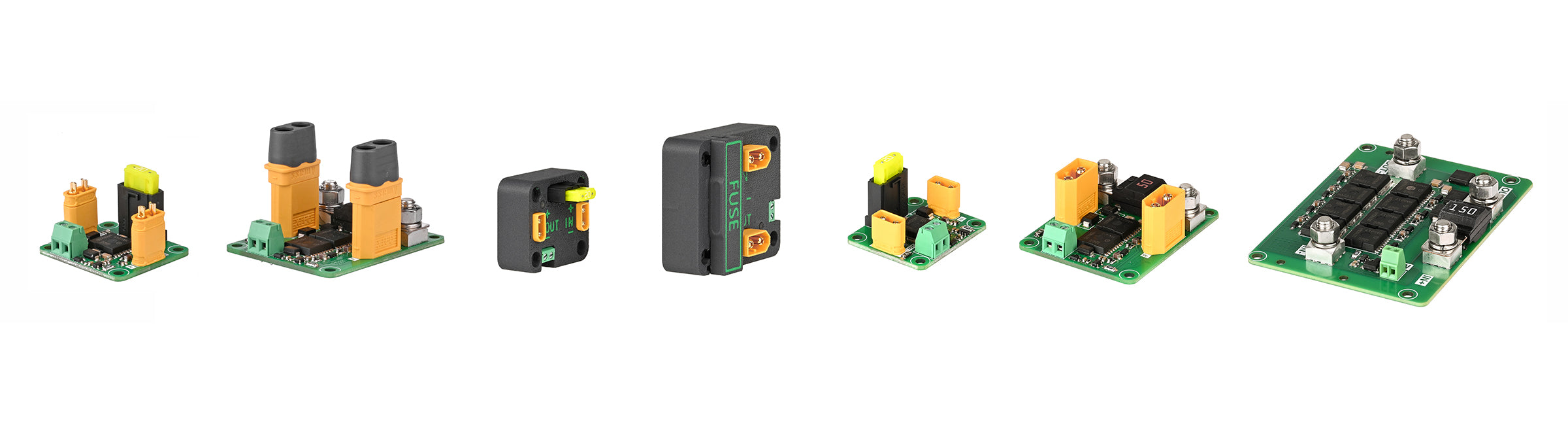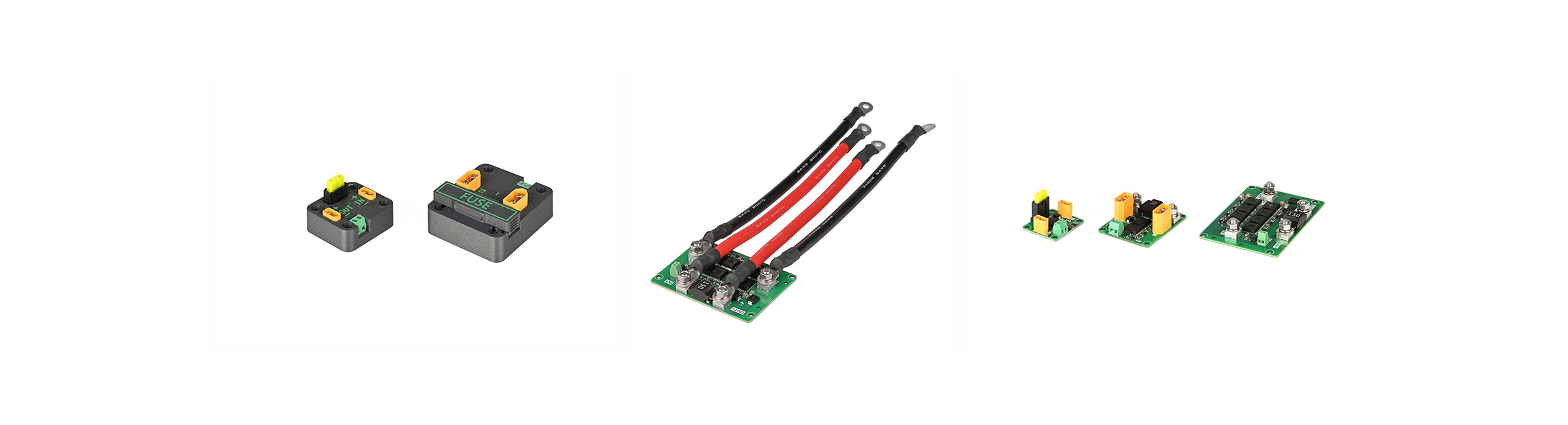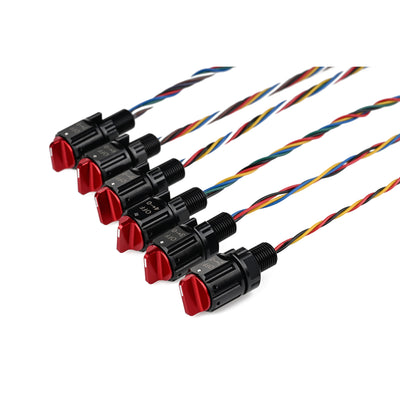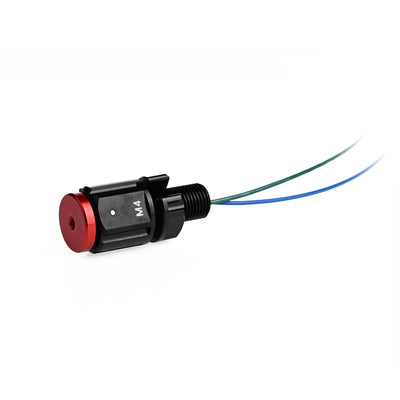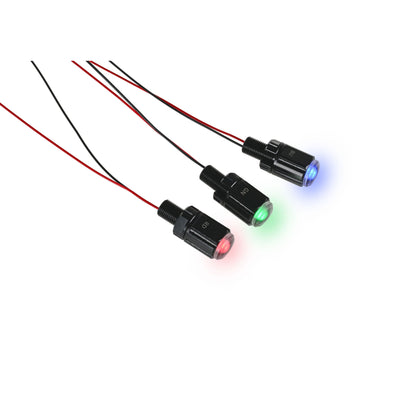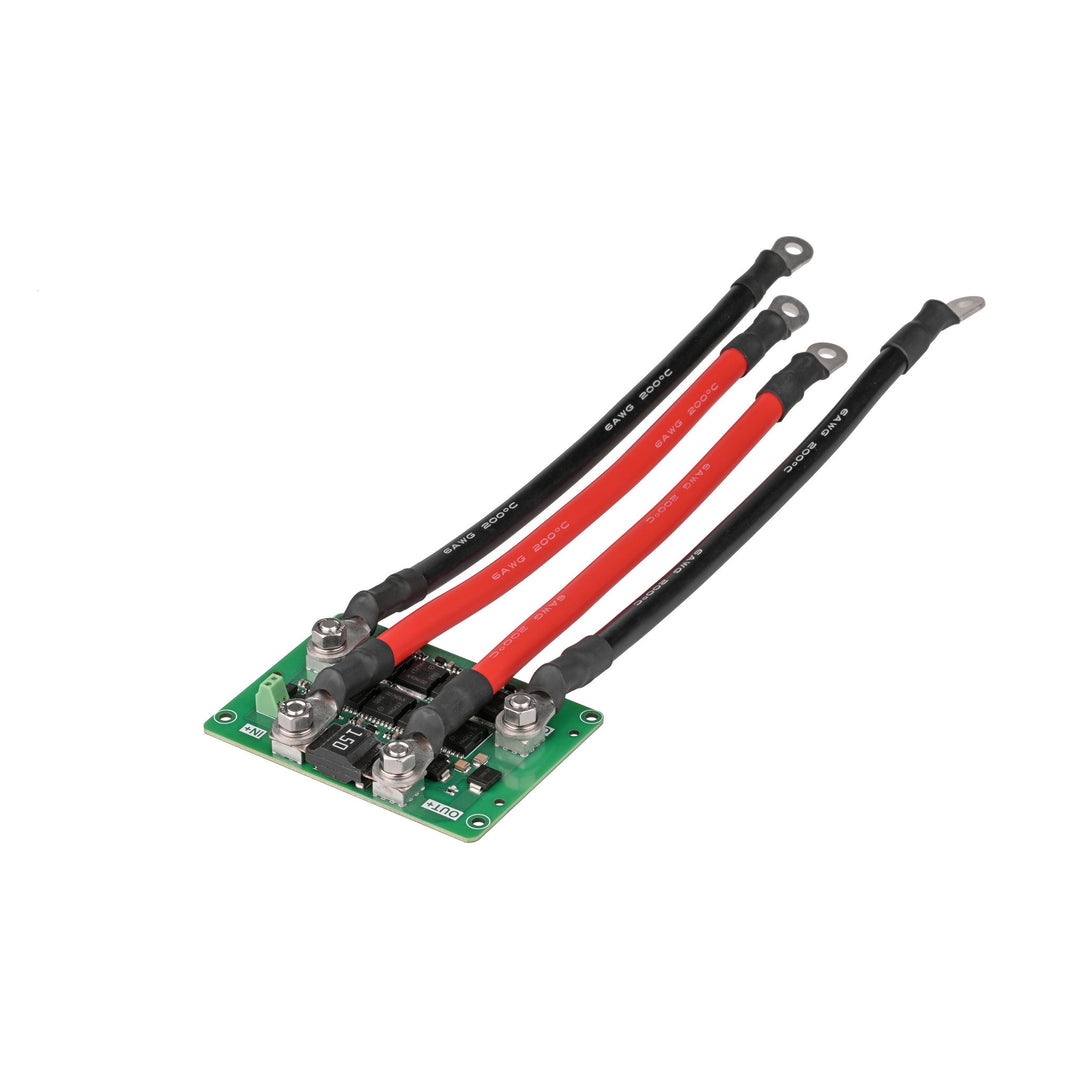
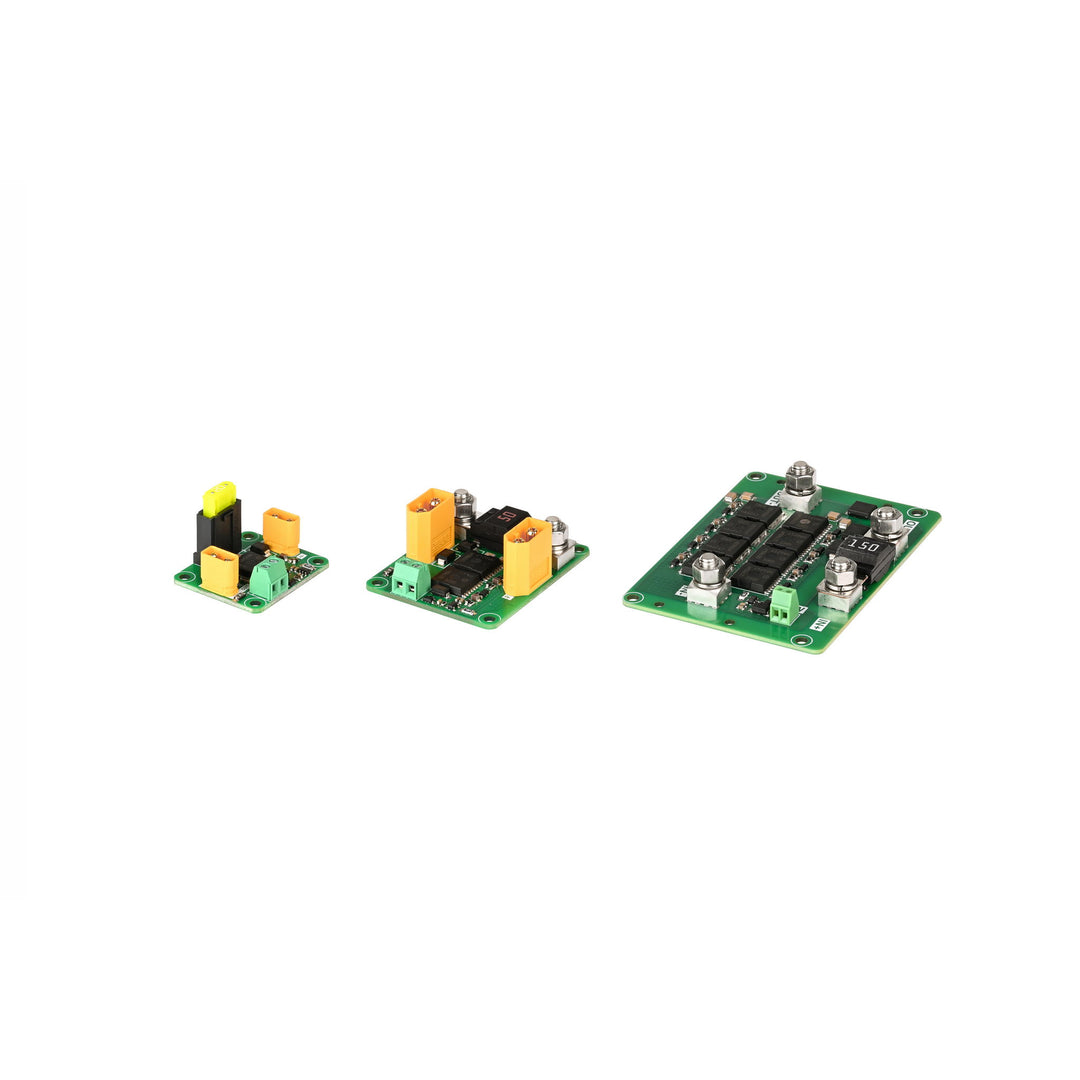
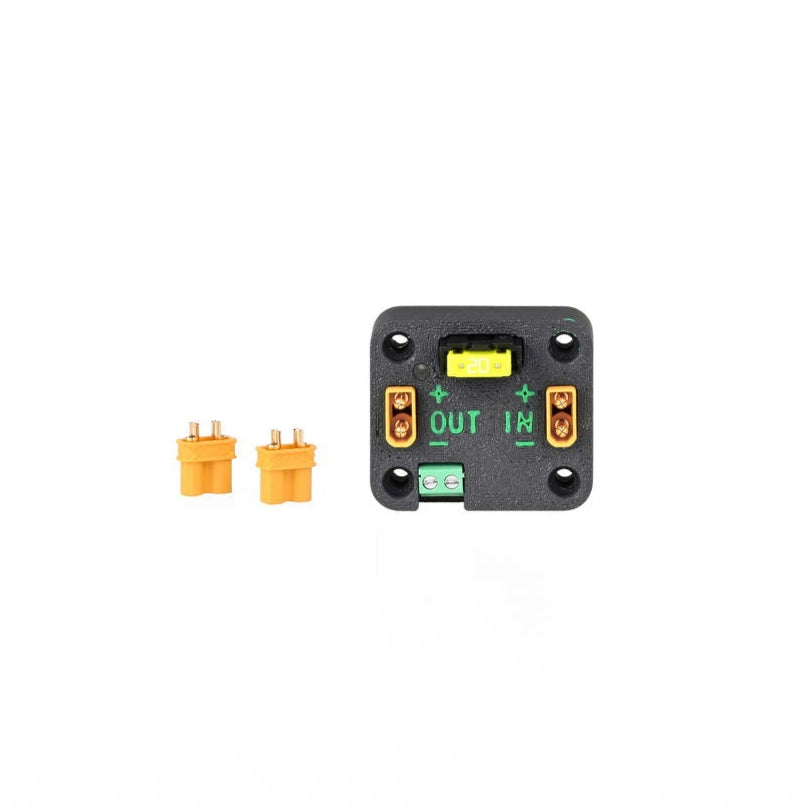
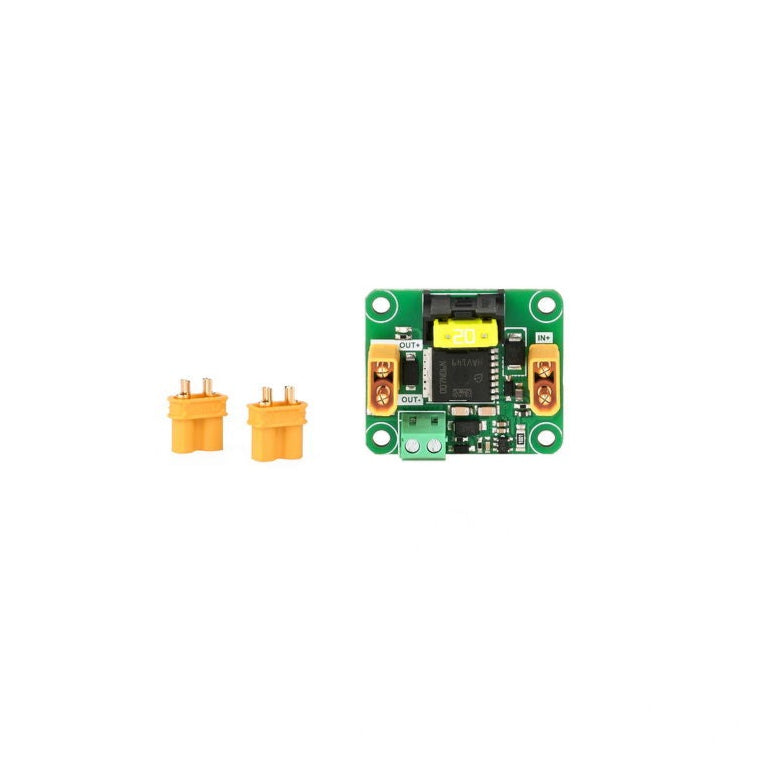
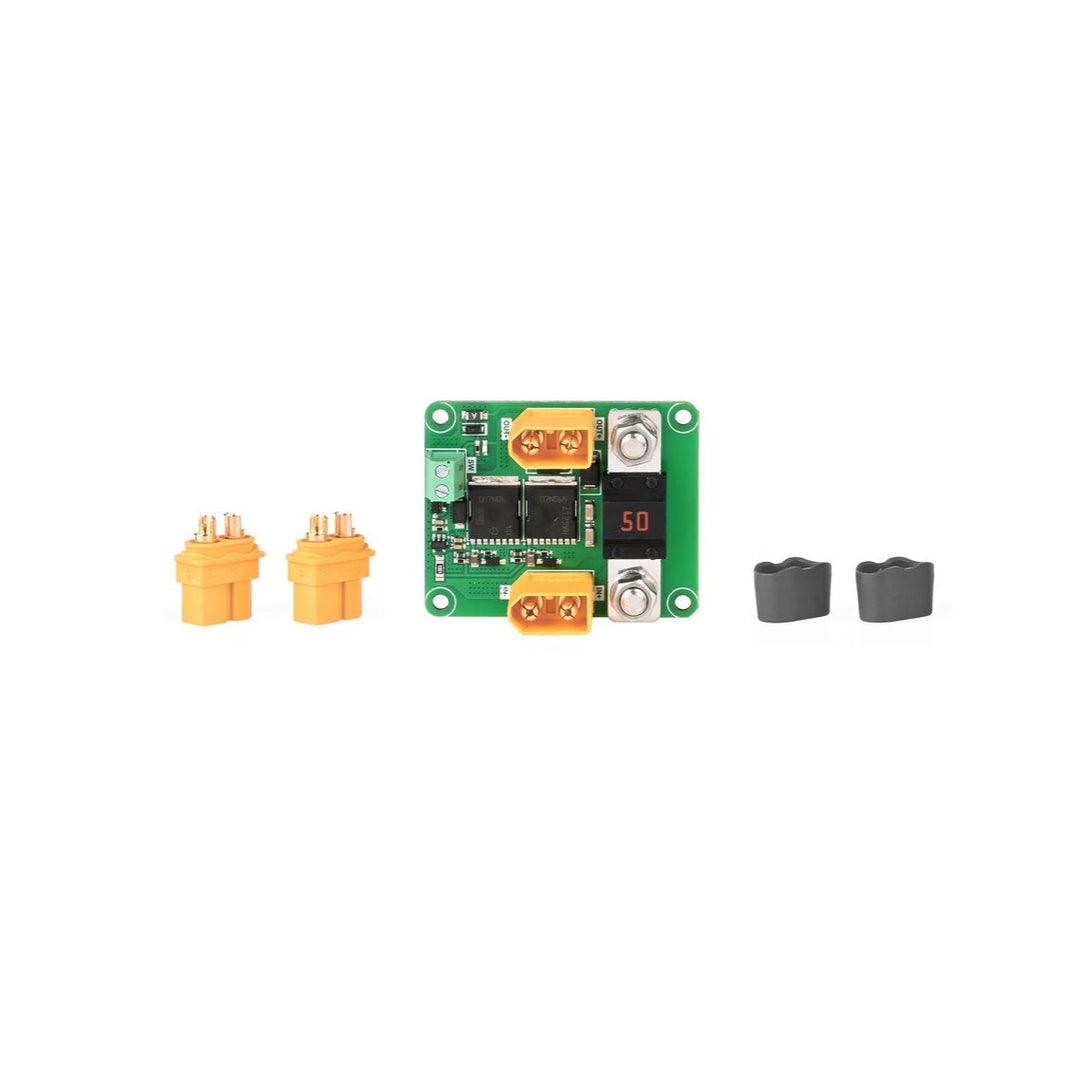
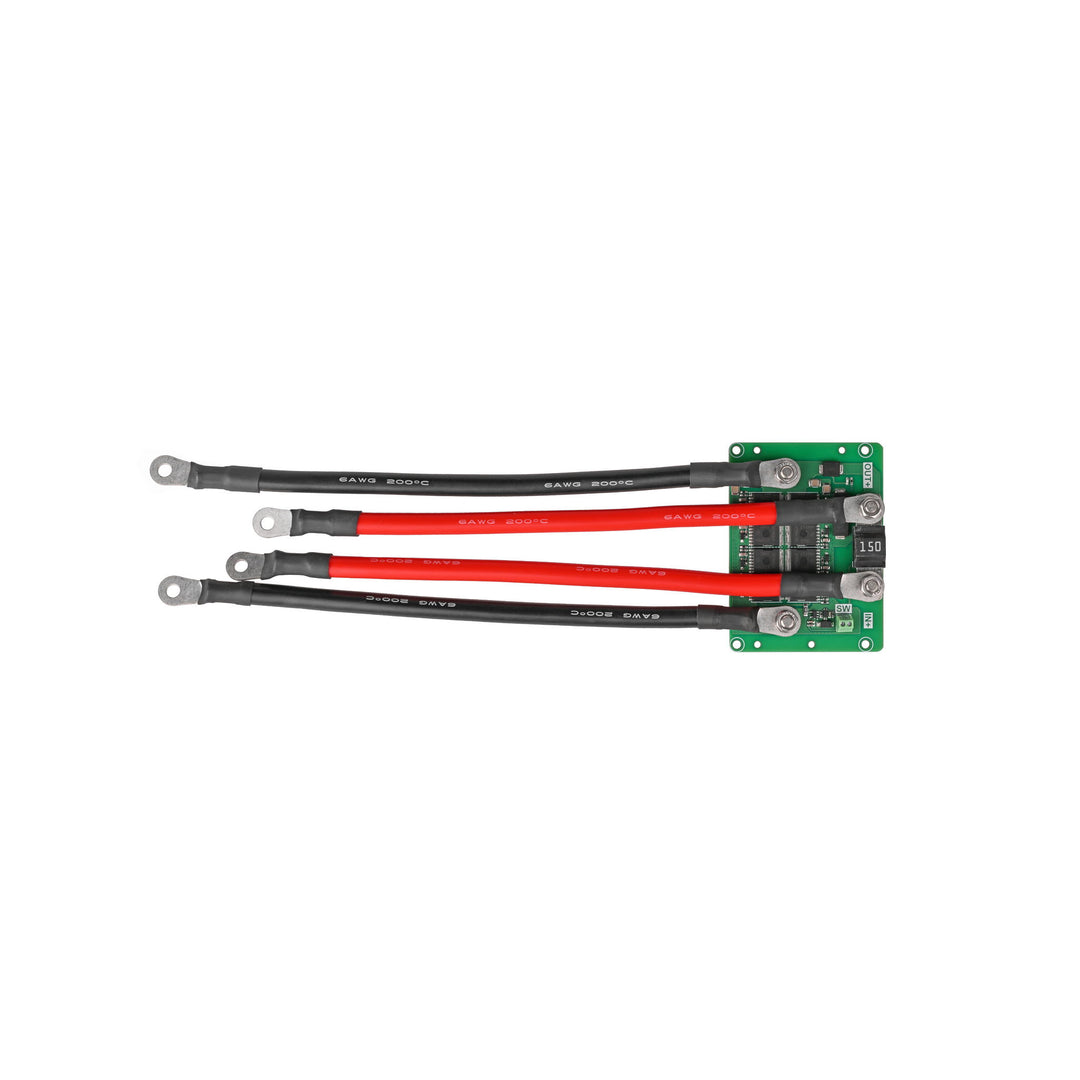
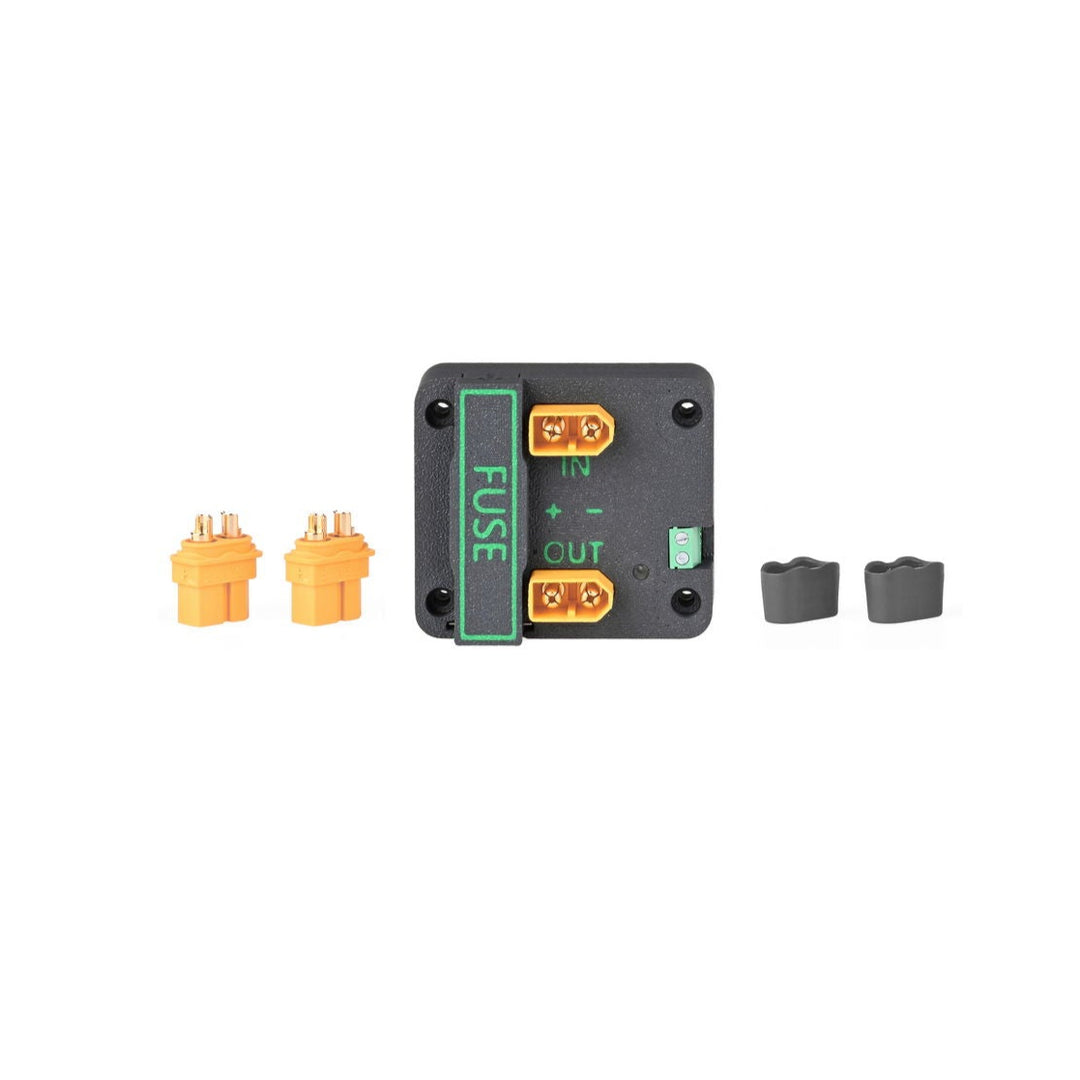


Engineered for subsea power distribution systems, the MOS Low-Side Switch Board provides high-current switching on the negative (low) side of the circuit. It is ideal for controlling lights, thrusters, solenoids, and other underwater loads where power is distributed centrally and switched locally using remote input signals.
The board accepts logic-level control signals, including PWM, and is designed specifically for use with self-locking (latching) switches. It is not compatible with momentary or self-resetting switch types. Supported Blu-Sub switches include:
Note: The Pressure Trigger Switch becomes compatible once the device is submerged to its trigger depth, where it automatically latches closed. While the switch can also be used in shallow water, manual pressing (momentary activation) is not compatible with this board and will not trigger switching.
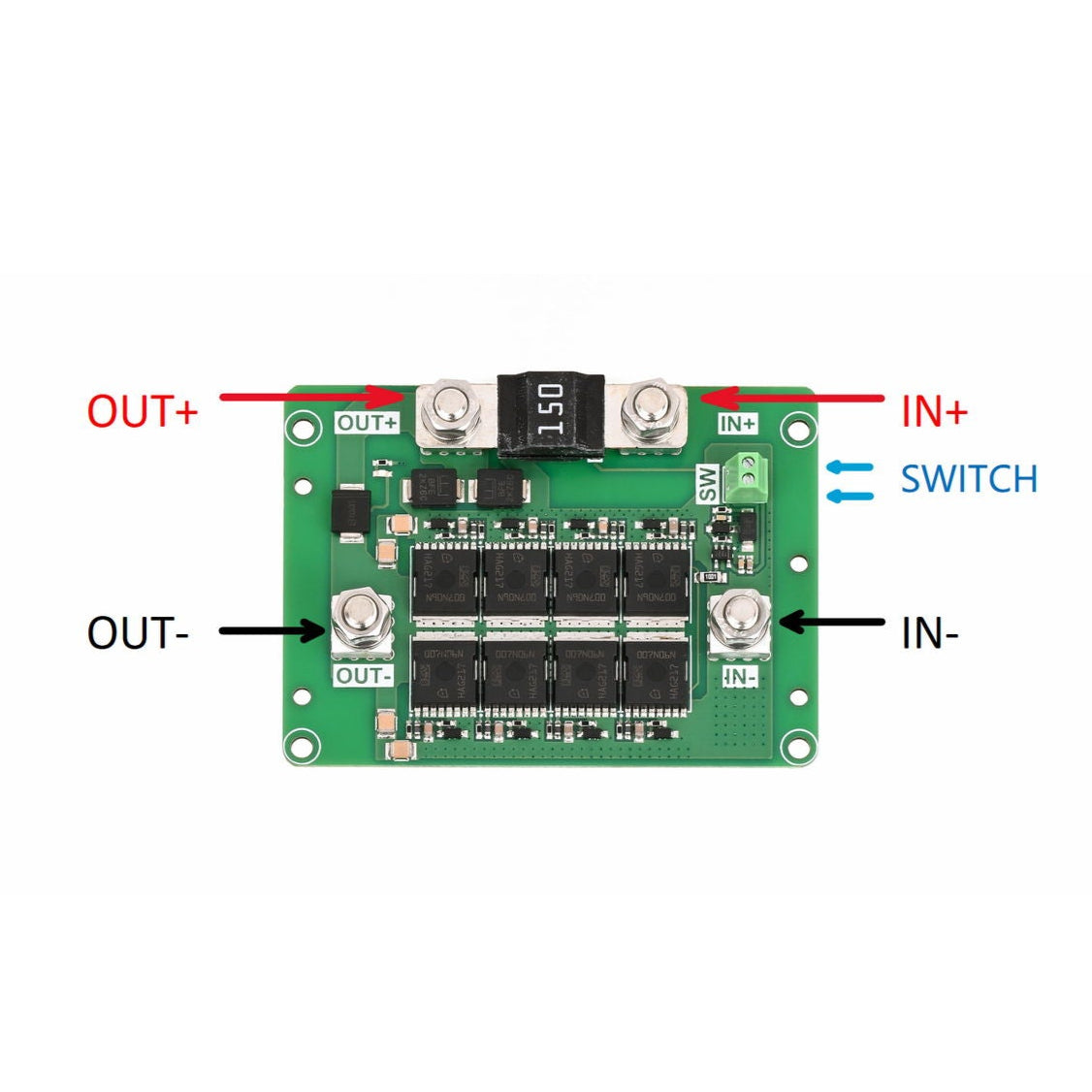
Internally, a low-resistance MOSFET mirrors the input signal to reliably control current flow through the connected load. The circuit board includes a replaceable fuse seat to match the selected load current (15A, 30A, or 120A), providing safety and flexibility for various underwater applications.


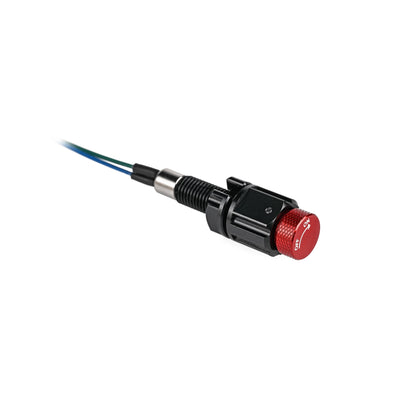
This board accepts simple on/off control signals from Blu-Sub’s rotary subsea switches. Choose from compact or full-size models depending on your enclosure and control preferences. All supported switches are self-locking and designed for underwater applications.
Subsea M8 Rotary On/Off Switch
A compact, latching rotary switch designed for subsea power control in tight enclosures. Threads directly into M8 bulkheads and outputs a direct on/off signal for use with this switch board.
Subsea M10 Rotary On/Off Switch
A rugged, full-size rotary switch with optional shell and knob styles. Provides a mechanical latching signal compatible with all versions of the MOS Low-Side Switch Board.
Subsea M10 Rotary Waveband Switch
A multi-position, latching M10 rotary switch that can toggle between multiple power states. Offers broader control logic while maintaining compatibility with this board when wired for single-position output.
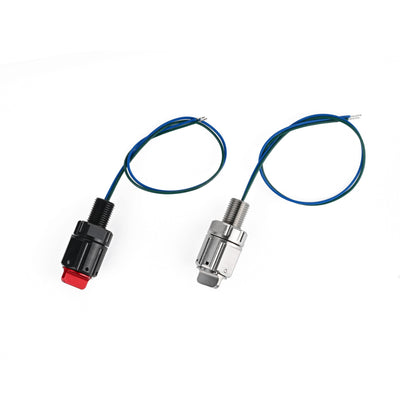
The MOS Low-Side Switch Board can be used in conjunction with the Subsea M10 Pressure Trigger Switch for automatic depth-based control. Once the switch reaches its rated trigger depth (e.g., 20 m for the 2 Bar / 0.2 MPa version), it conducts continuously—allowing the MOS board to switch power to connected devices such as lights, pumps, or relays.
Note: The Pressure Trigger Switch acts as a momentary switch above its trigger depth. Although manual pressing can temporarily conduct, it does not latch. Therefore, this switch is not suitable as a manual override for the MOS board.

| Spec | MOS Low-side Switch |
|---|---|
| Supply Voltage | 13–28VDC |
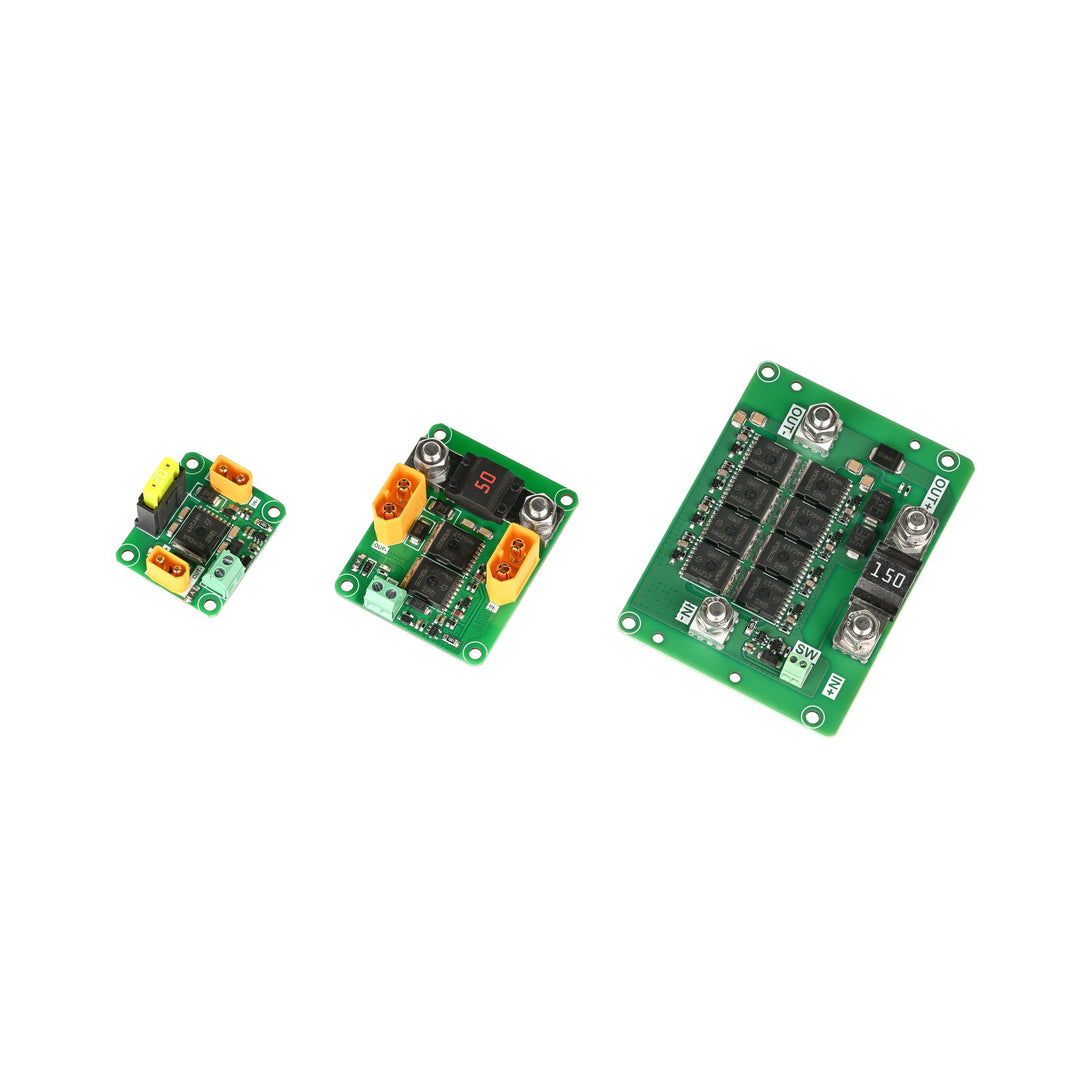
| Rated Current Options | 15A, 30A, 120A |
| MOS On-Resistance | 15A: 0.58 mΩ; 30A: 0.28 mΩ; 120A: 0.07 mΩ |
| Static Current | 320 μA |
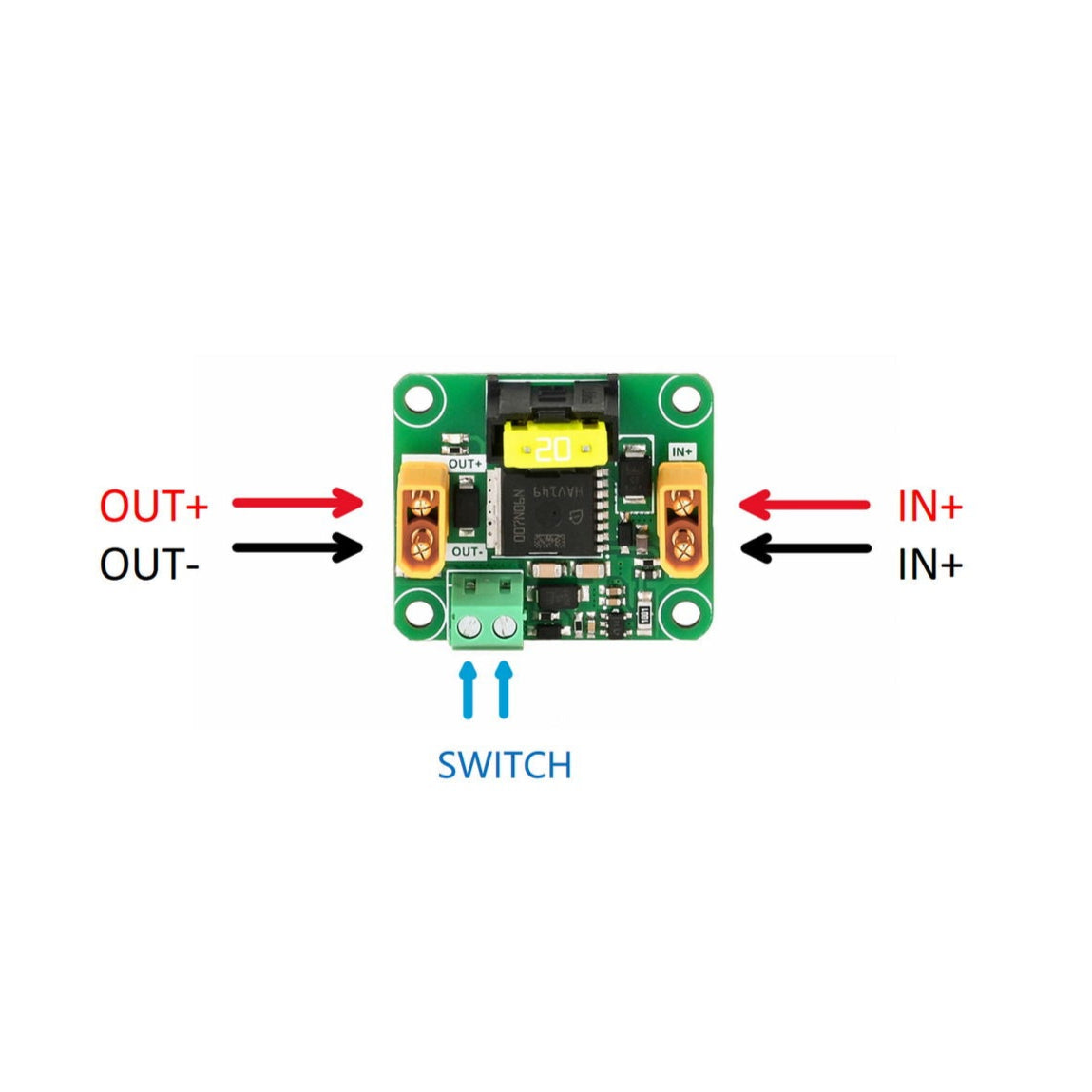
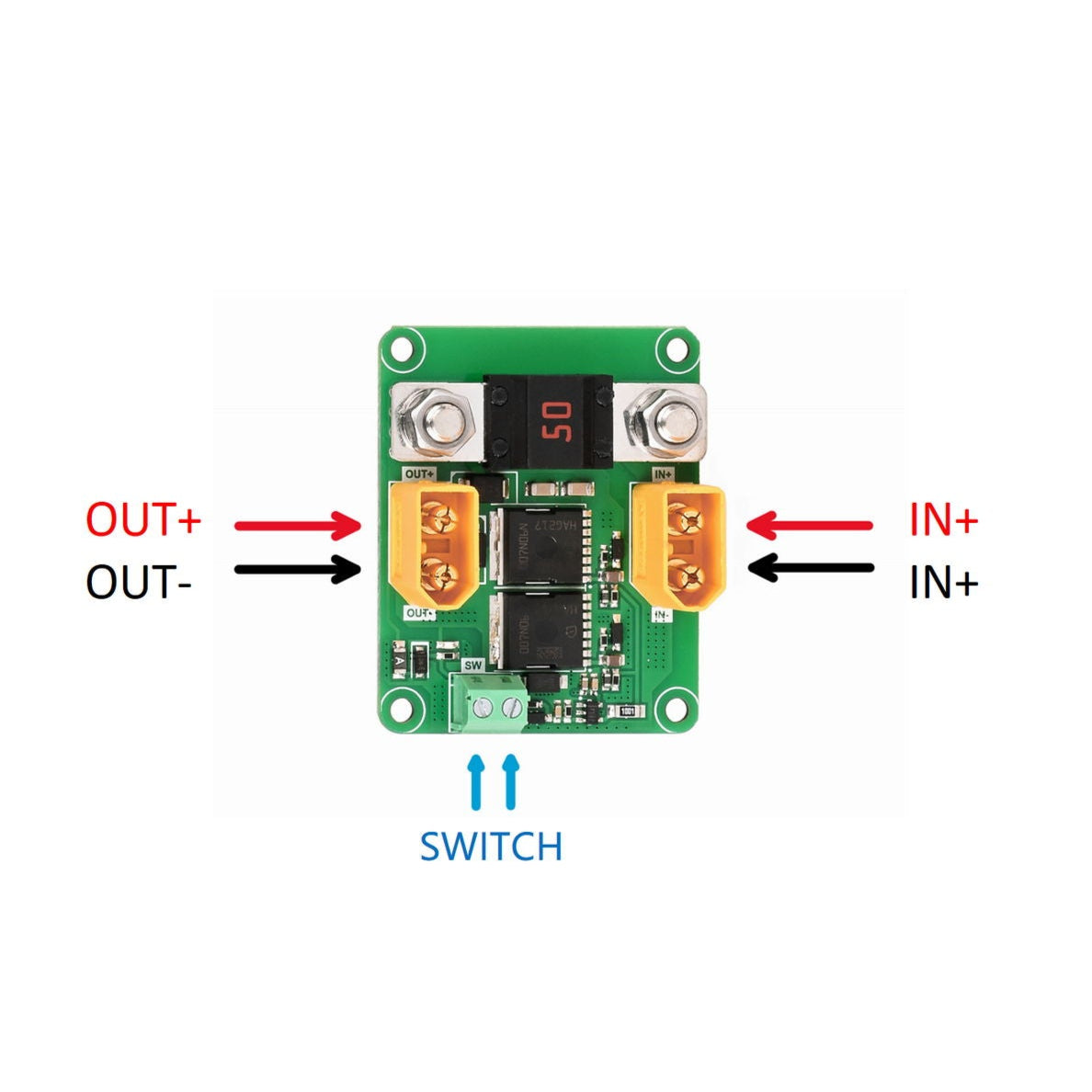
| Connector Type | 15A: XT30; 30A: XT60; 120A: M5 Screw Terminals |
| Fuse Type | 15A: MINI® Blade Fuse; 30A & 120A: MIDI® Bolt-Down Fuse |
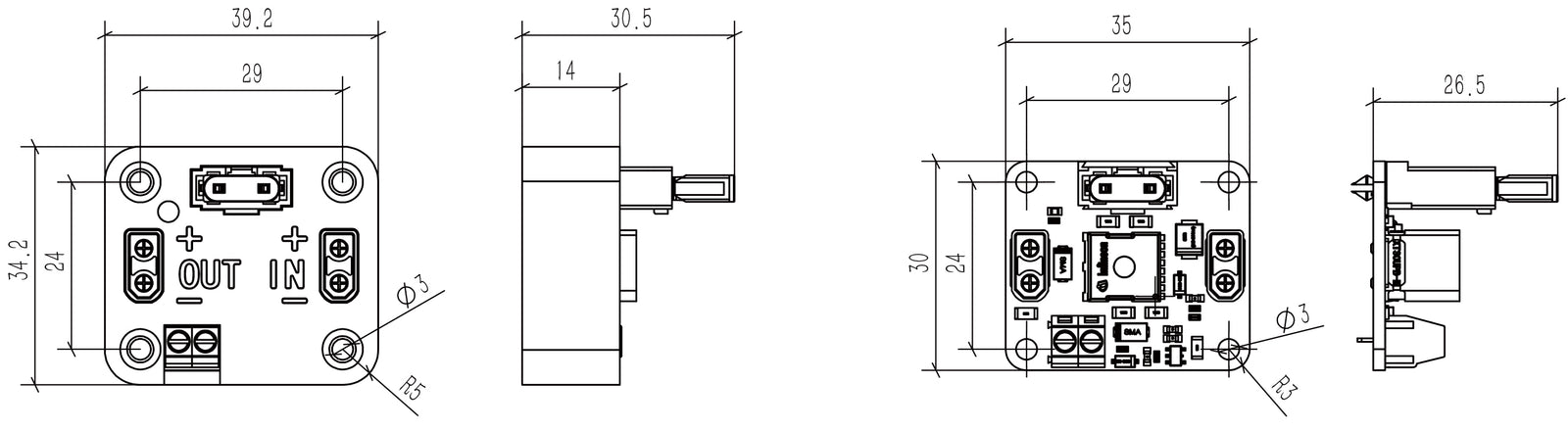
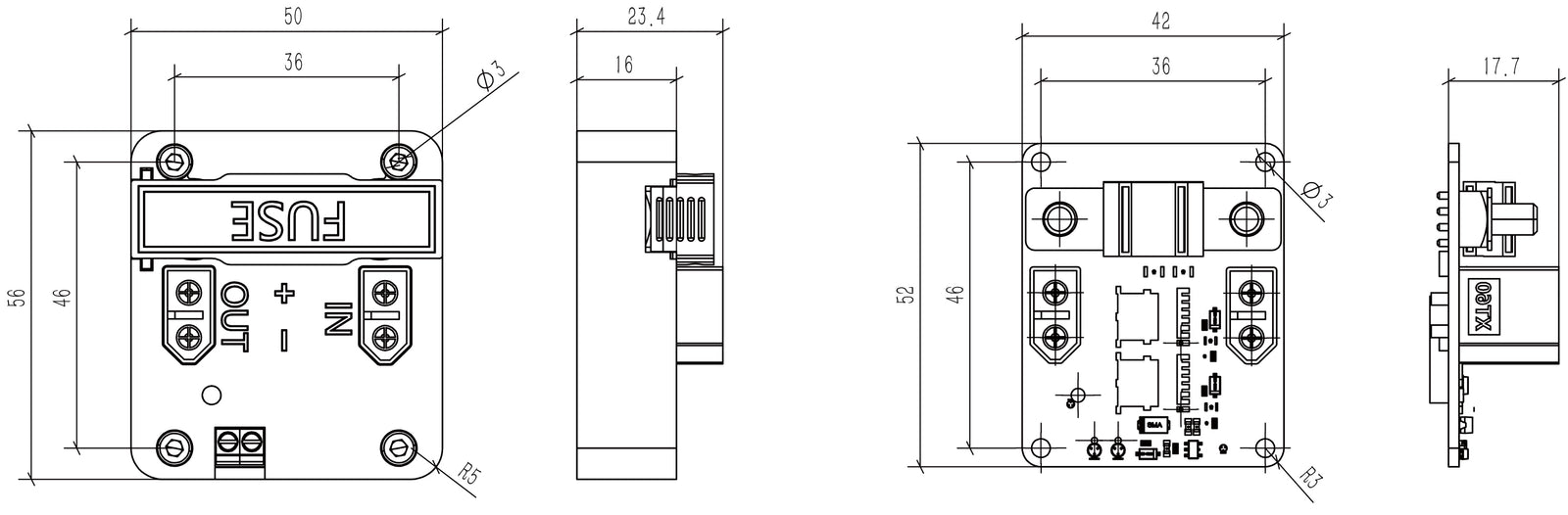
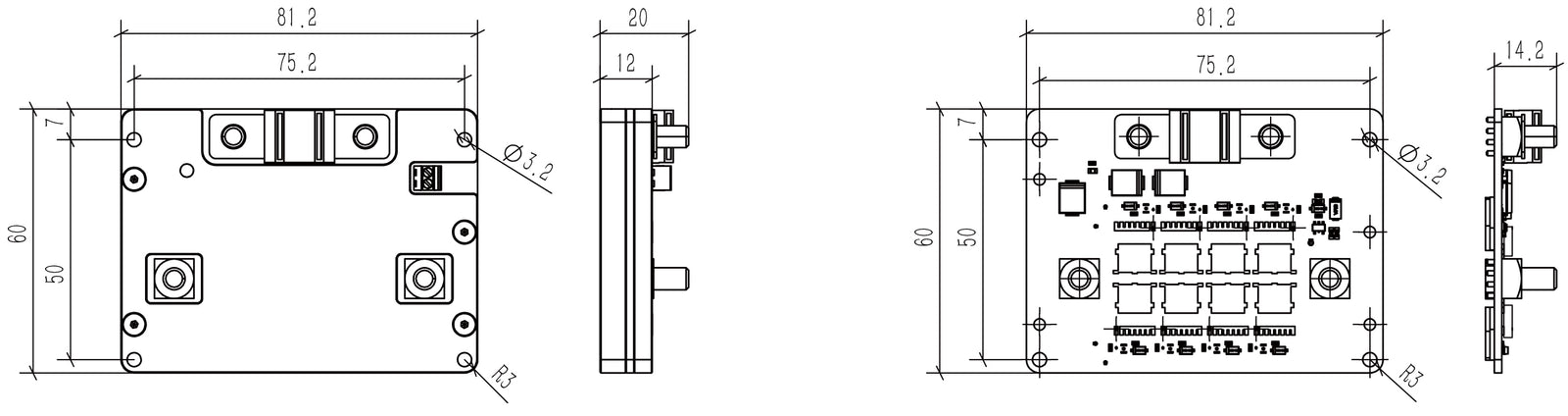
| Dimensions (L×W) | 15A: 35×30 mm; 30A: 42×52 mm; 120A: 81.2×60 mm |
| Weight | 15A: 12.6 g; 30A: 48.4 g; 120A: 282.5 g |
| Shell Material (Optional) | 3D-printed PLA or PLA-CF (color random) |
| Switch Compatibility |
Compatible only with self-locking (latching) switches. Not compatible with momentary or self-resetting types. • Subsea M8 Rotary On/Off Switch • Subsea M10 Rotary On/Off Switch • Subsea M10 Rotary Waveband Switch • Subsea M10 Pressure Trigger Switch (Conditionally Compatible) Note: Pressure Trigger Switch functions only when submerged to its rated depth. Manual pressing above water or in shallow depths will not activate this board. |
| Thermal Management | No additional heat sink required; surface may become hot under high load |
| Recommended Wiring |
Use appropriately sized wires for each current rating to ensure safe and efficient operation: • 15A: 1.25 mm² (≈16 AWG) • 30A: 3.4 mm² (≈12 AWG) • 120A: 16 mm² (≈6 AWG) Always confirm ampacity based on insulation type, cable bundling, and length to avoid overheating or voltage drop. |
What material is the shell made of?
The shell is produced using FDM 3D printing technology, utilizing PLA or PLA-CF materials.
What kinds of switches can be connected?
Self-locking switches, such as the Rotary On-Off Subsea Switch, can be connected. Ensure the switch's rated current exceeds 2mA.
What's the difference between the MOSFET switch and the Push Button Relay?
The MOSFET switch is a semiconductor device without mechanical contacts, resulting in no contact wear over time. It offers low on-resistance and high switching capacity compared to mechanical relays.
How should I choose a fuse?
Select fuses based on the load current. The switch supports MINI® Blade Fuses and MIDI® Bolt-Down fuses, which can be replaced according to different load requirements.
Can an overload or short circuit damage the board even if the fuse blows?
The fuse provides overcurrent protection, but it does not guarantee that the board or connected equipment will remain undamaged. Disconnect all power sources and have the board, wiring, and connected load checked for faults or damage before restoring power. If damage is suspected or the cause is unclear, contact Blu-Sub before using the board again.
Can the input end be directly connected to a battery? Will it spark or damage the plug?
Yes, the battery can be connected directly. A spark may occur upon connection, but it will not damage the plug.
Can the output and input ends be plugged or unplugged while powered on? If the switch doesn't turn on, can I plug it in?
Do not plug or unplug the load end while powered on. Ensure the power is off before connecting or disconnecting the load.
The load is short-circuited, but the fuse hasn't blown. Why?
If the power supply current is lower than the fuse's breaking current, the fuse may not blow even during a short circuit.
Can I temporarily replace a blown fuse with wire?
No. Never replace a blown fuse with wire or bypass the fuse, even temporarily. This removes the fuse’s overcurrent protection and can cause overheating, fire, or equipment damage. Disconnect the battery or power supply and identify and correct the cause before installing a replacement fuse of the correct type and rating. If a suitable replacement is unavailable, leave the board disconnected. Contact Blu-Sub if you need help selecting a replacement.
Is turning off the switch enough before replacing a fuse?
No. Disconnect all power sources from the board before removing or replacing a fuse. Do not rely on the control switch alone to isolate power. Identify and correct the cause of the blown fuse, then install a replacement of the correct type and rating before reconnecting power.
Do I need to add my own heat sink? Is the working temperature high?
No additional heat sink is required. However, at high load currents, the circuit board's surface temperature can become high. Avoid touching the board to prevent burns.