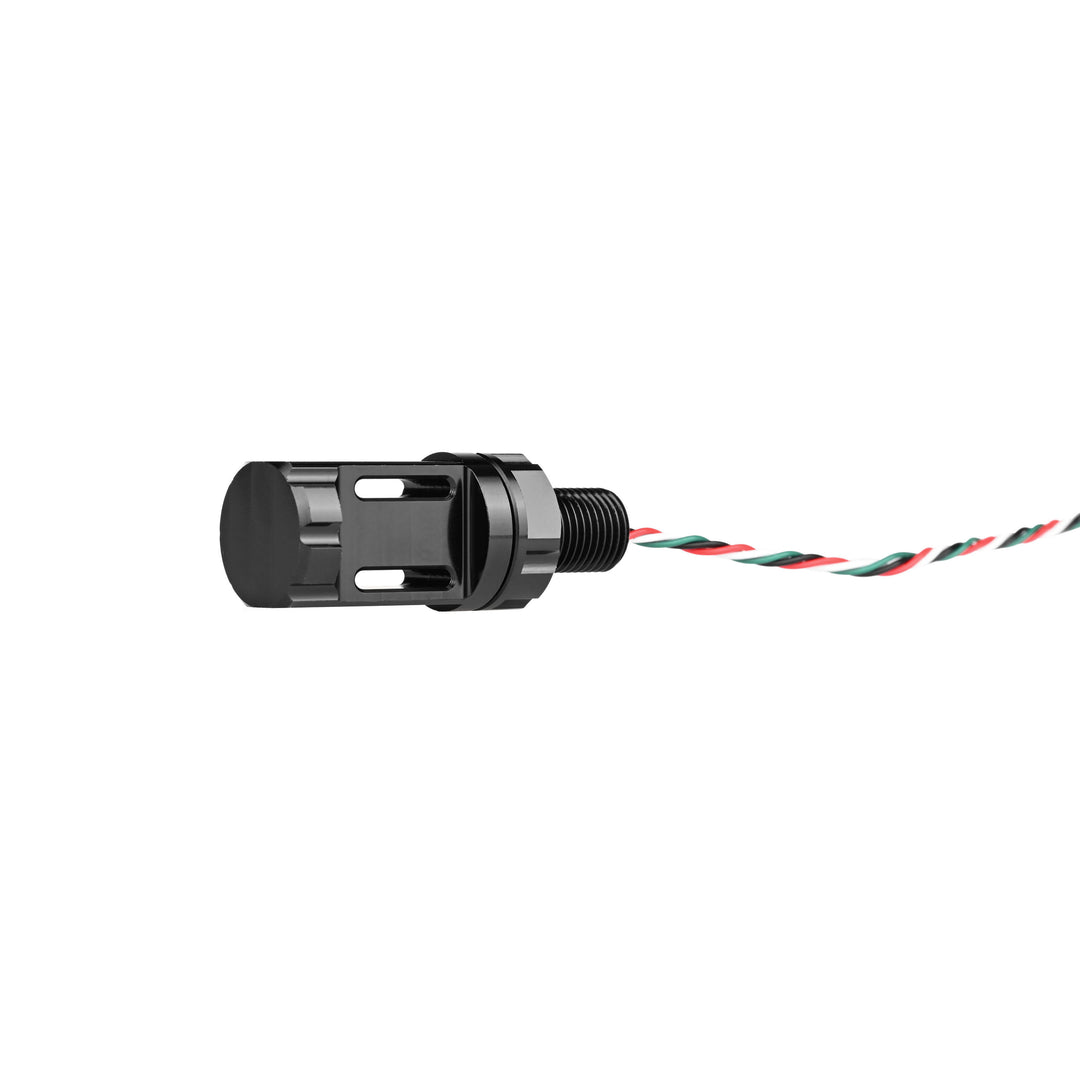
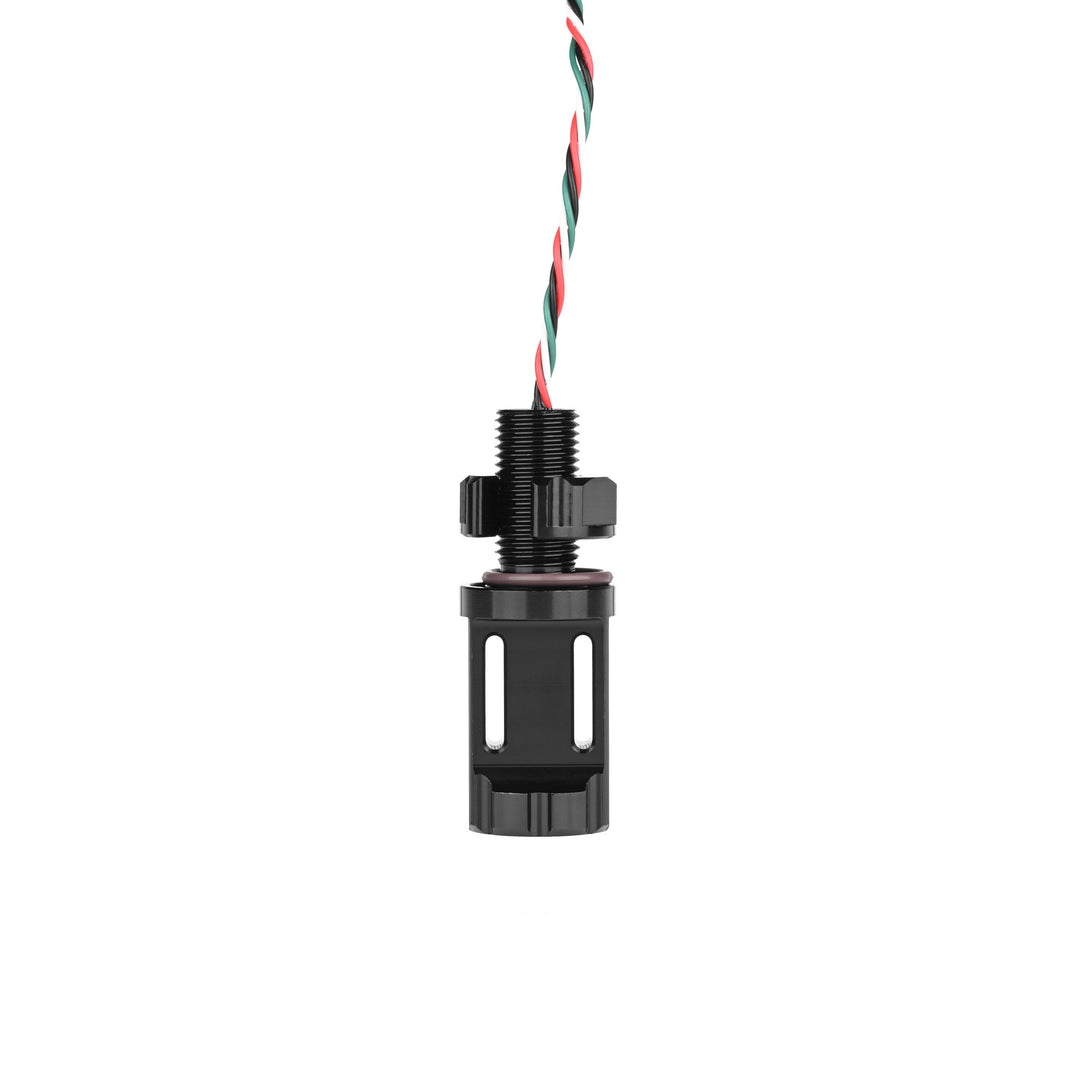
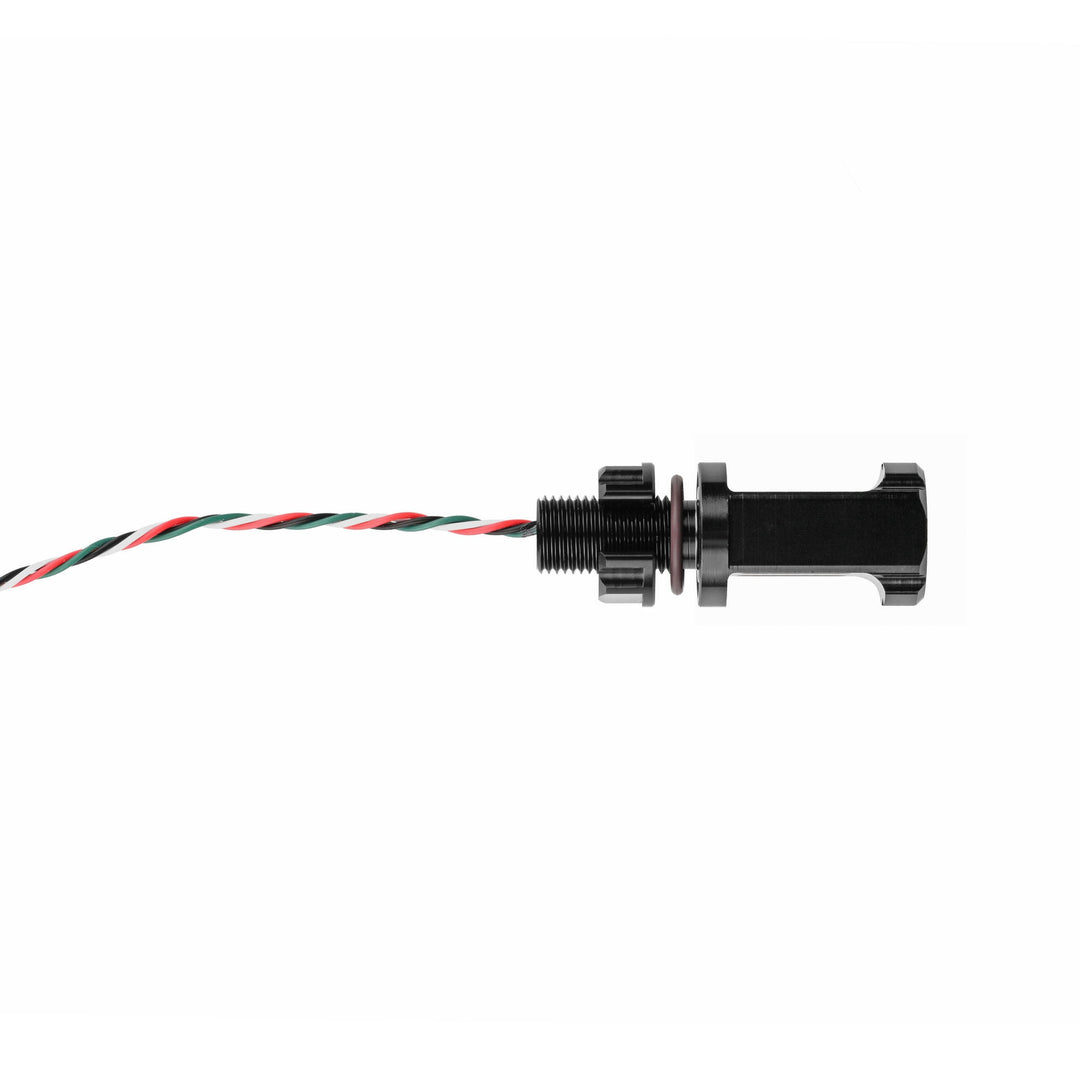
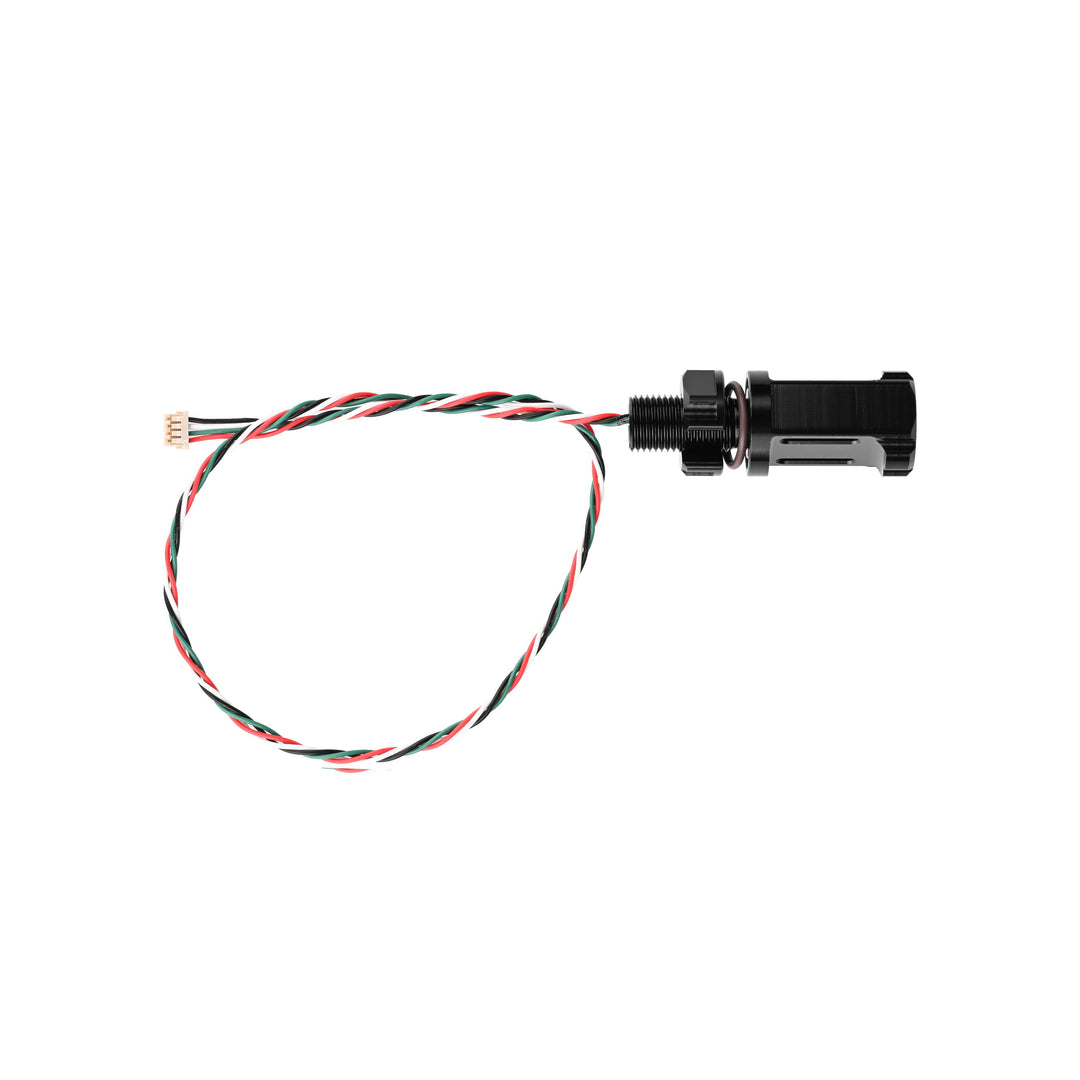
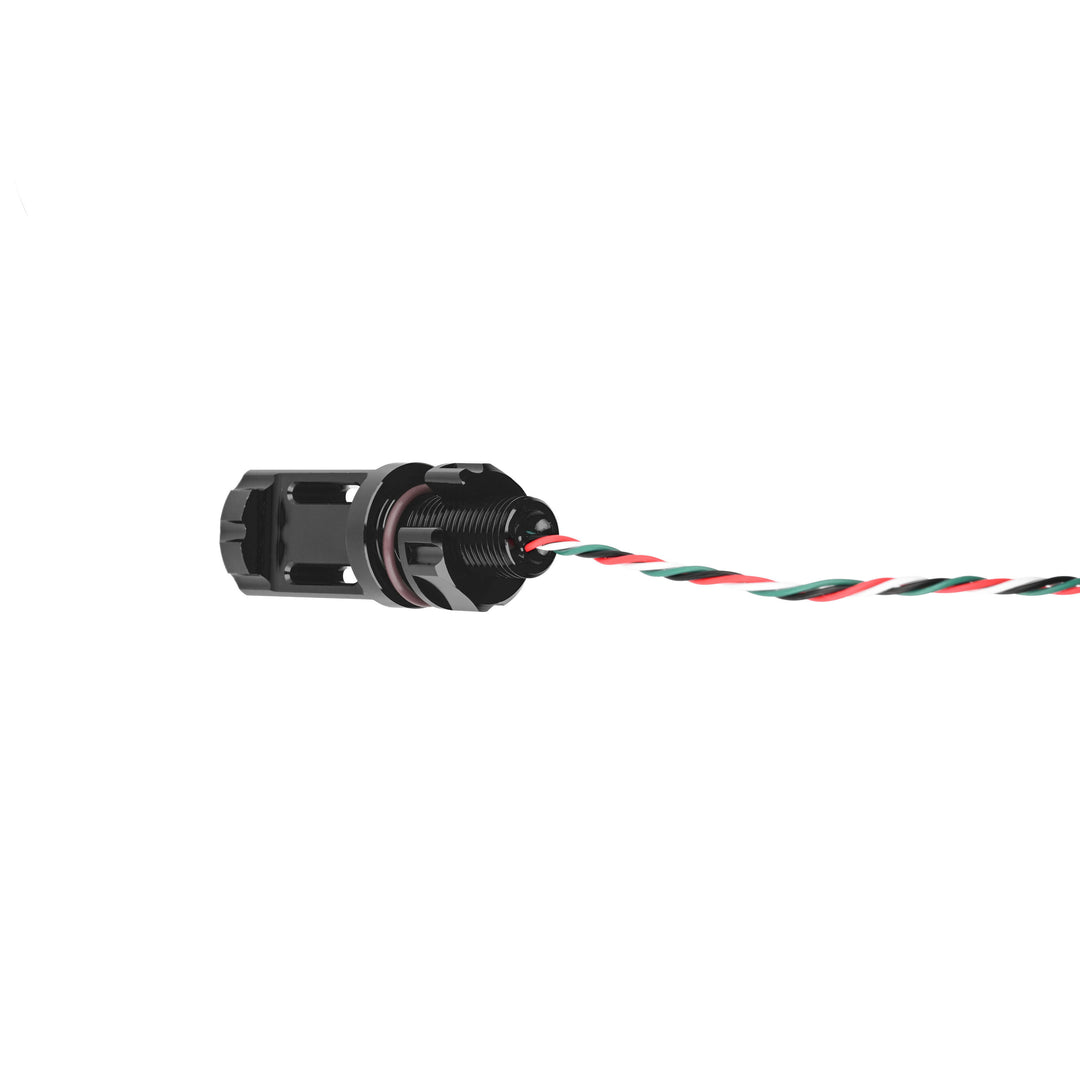
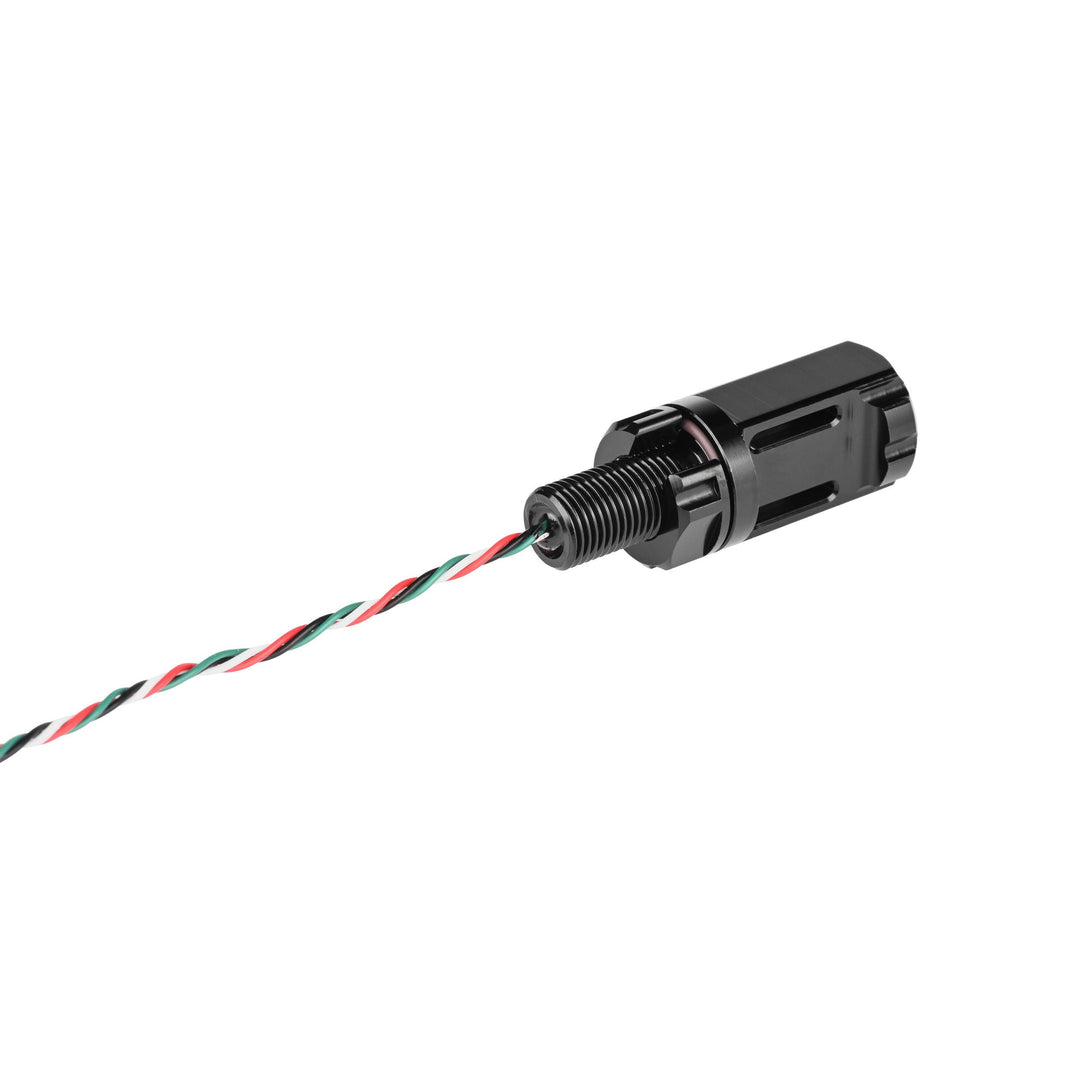
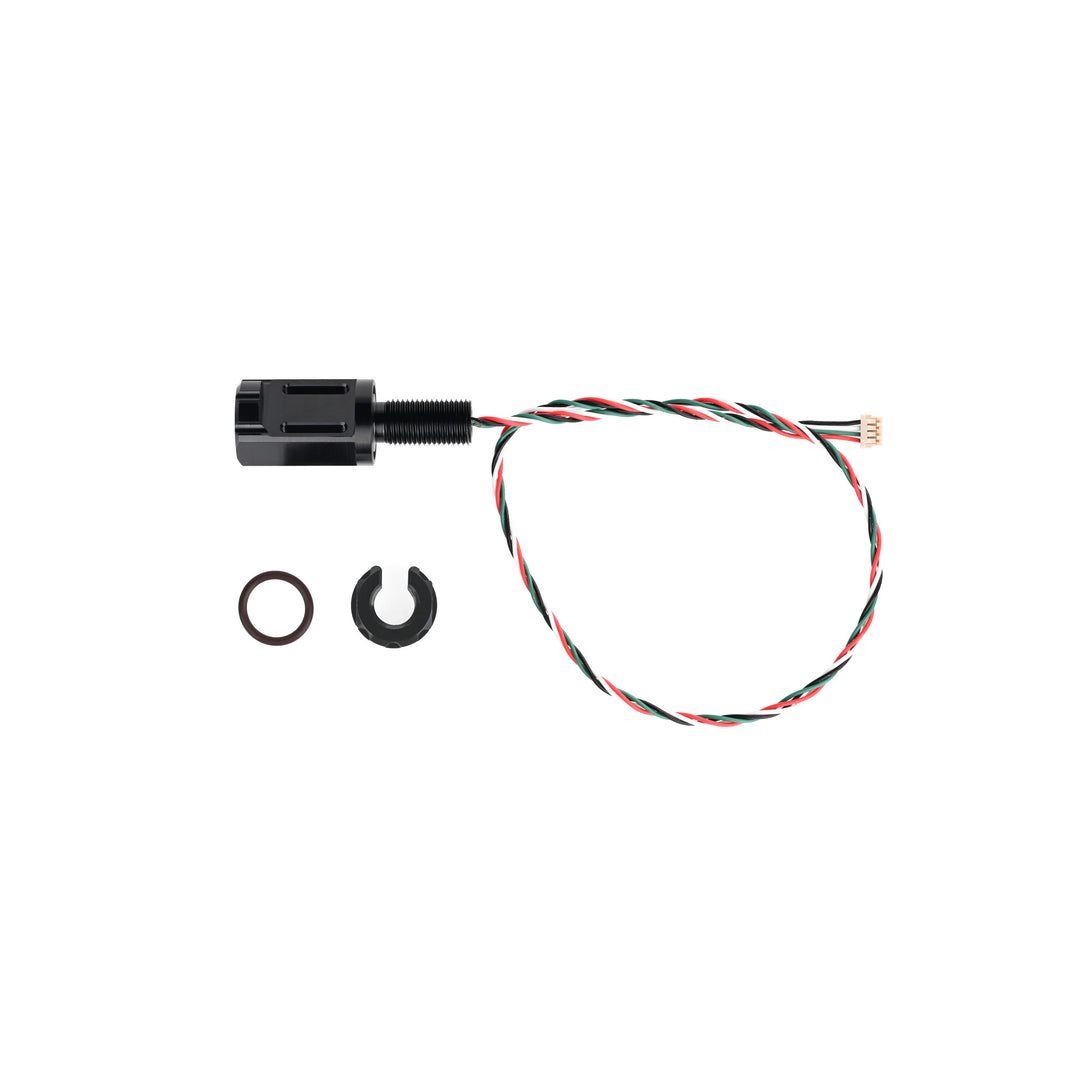


Engineered for precision and easy integration, the Subsea M10 Water Temperature Sensor provides accurate digital temperature measurements in demanding subsea environments. It uses a TSYS01 sensing element to achieve ±0.1 °C accuracy within the typical range of –5 to 50 °C and maintains stability across a wide extended range from –40 °C to 125 °C.
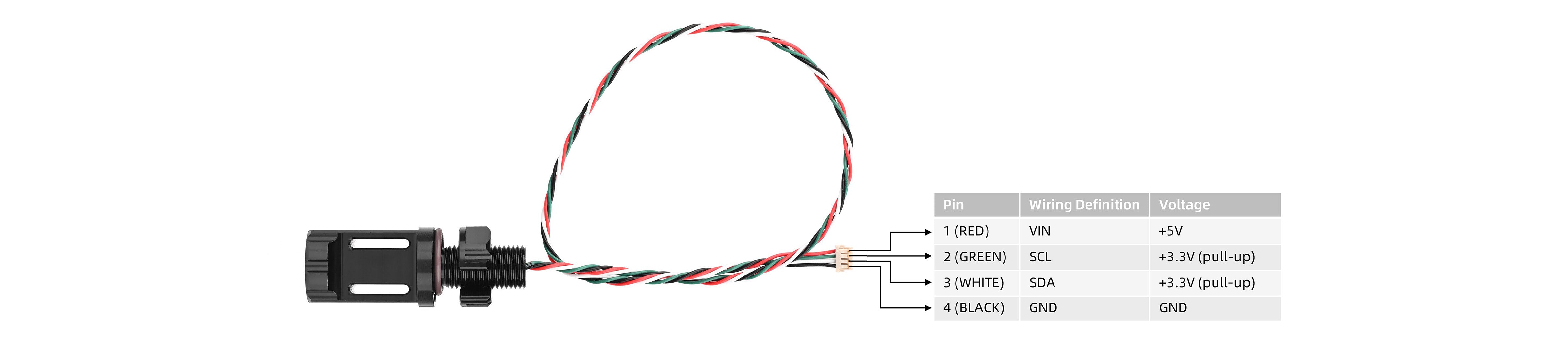
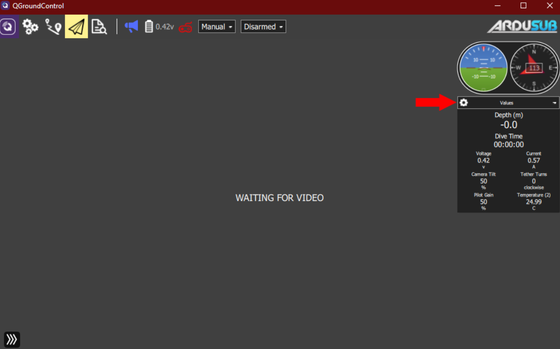
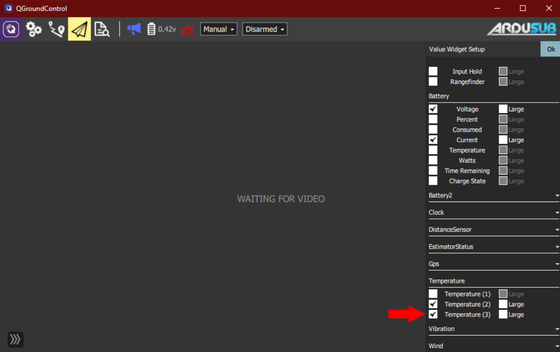
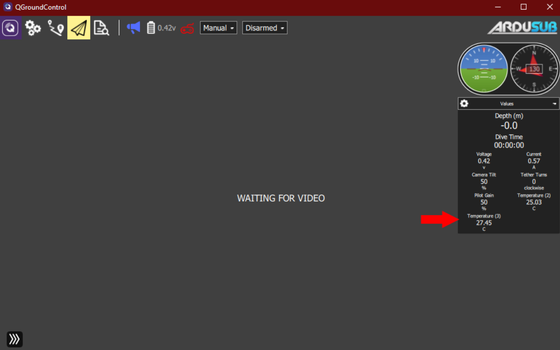
The sensor is factory calibrated and provides raw 24-bit ADC readings over I²C. The connected controller or software converts these readings into temperature using the calibration coefficients stored in the sensor. It connects directly to Pixhawk systems through a DF13-4S-1.25C connector and standard 4-wire I²C interface, supporting seamless integration with ArduSub and QGroundControl platforms.
The aluminum M10-threaded housing simplifies installation into subsea enclosures or bulkheads. Internally potted with thermally conductive epoxy, the sensor offers rapid response times while shielding the electronics from pressure and moisture at depths up to 1,000 meters.
For longer cable runs or multiple I²C devices, signal integrity can be improved using stronger pull-up resistors or I²C relay chips. The sensor is also suitable for air-based applications, offering flexible deployment across both underwater and surface systems.


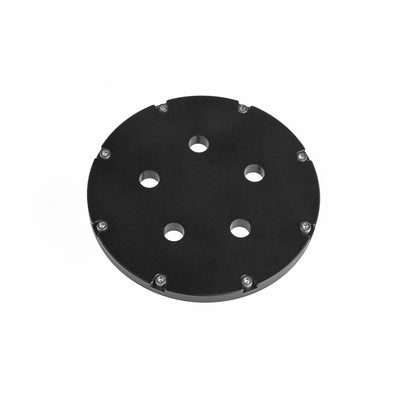
The Subsea M10 Water Temperature Sensor integrates easily into Blu-Sub subsea enclosures using a standard M10 threaded mounting port. Each enclosure ensures proper sealing and mechanical support for accurate temperature sensing at depth. Confirm that internal clearance and panel thickness are suitable for the sensor’s body and connector.
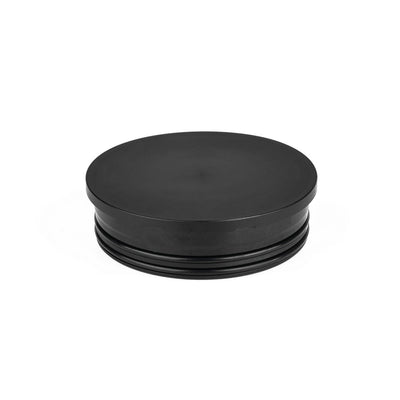
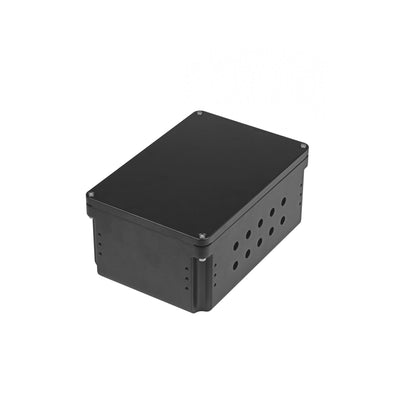
Subsea Watertight Enclosure Box
Compact aluminum housing rated to 300 m, pre-drilled with twenty M10 ports—ideal for direct integration of M10-threaded sensors like this temperature sensor. No modification required.
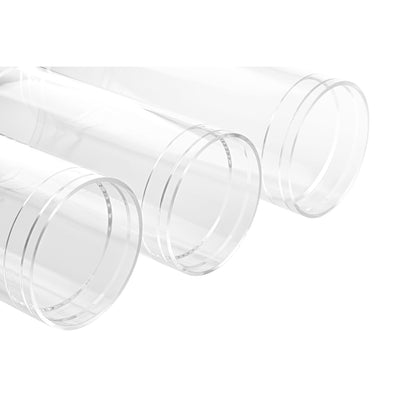
Subsea Enclosure Acrylic Tube
Transparent cast acrylic tube rated to 250 m, compatible with Blu-Sub aluminum or acrylic end-caps. Select end-caps with M10 mounting ports to support the temperature sensor securely.
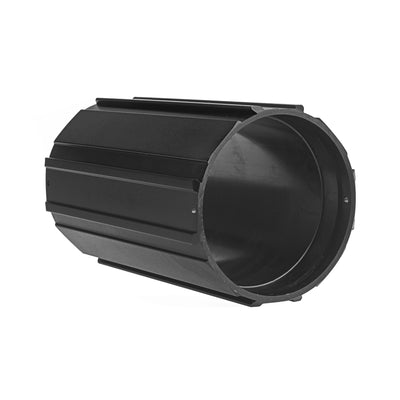
Subsea Enclosure Aluminum Tube
Deep-rated aluminum enclosure rated to 1,000 m. Use with matching aluminum or acrylic end-caps that feature M10 mounting ports for safe deployment of the temperature sensor in high-pressure subsea conditions.

This product can be installed using the Universal M8/M10 Installation Wrench, a dedicated tool designed for Blu-Sub M8 and M10 bulkhead-style components such as penetrators, switches, sensors, and connector-style hardware.
Its compact dual-end design allows installation in tight or closely spaced layouts, while cable-pass slots allow the wrench to slide over pre-attached cables, enabling installation or servicing without disconnecting wiring.
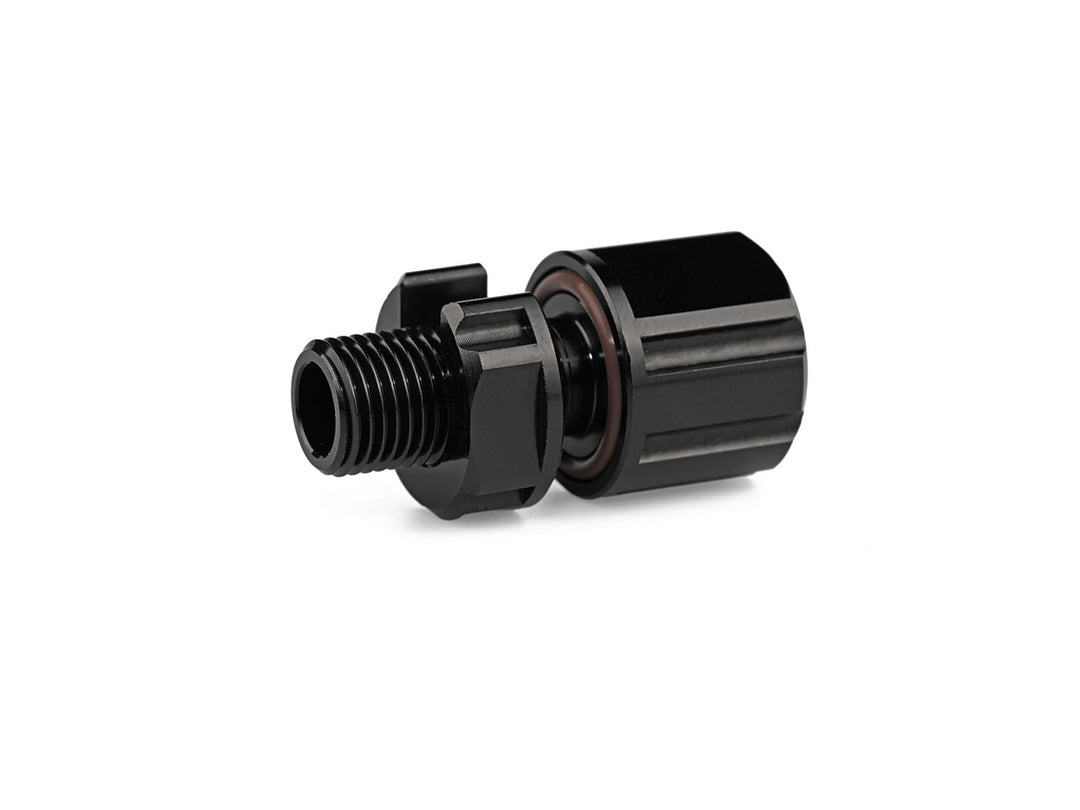
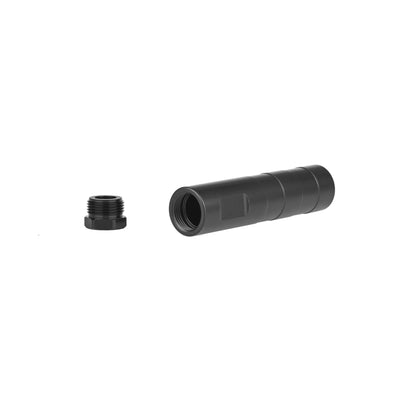
The Subsea M10 Coupling Tube offers an external mounting solution for the water temperature sensor when direct installation into an enclosure is not feasible. It provides internal space for wiring and can be sealed with epoxy to maintain watertight integrity and protect connections. Ideal for modular ROV or AUV builds where sensor accessibility and streamlined cable routing are critical.

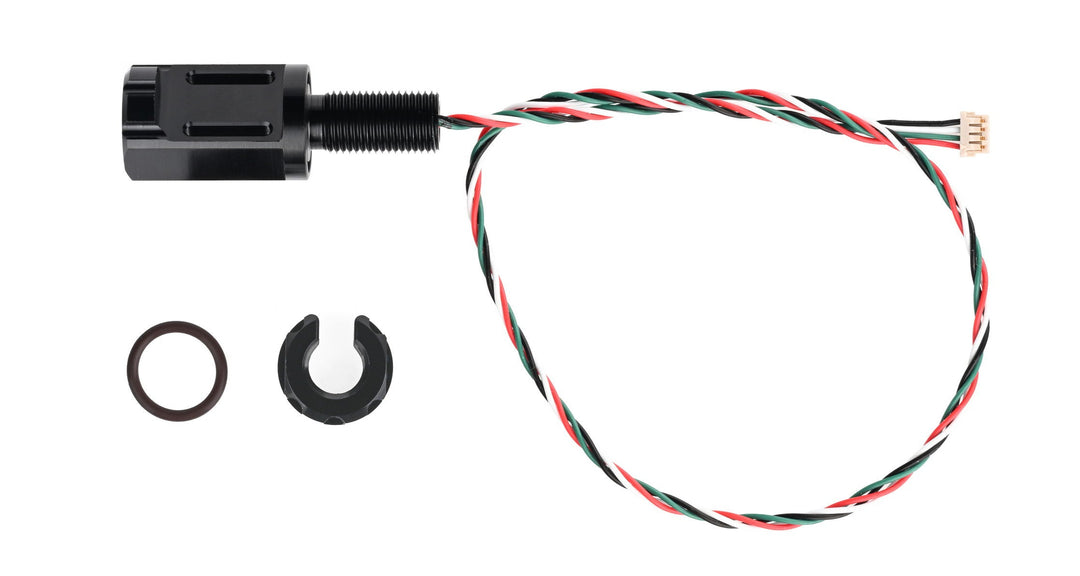
| Specification | Subsea M10 Water Temperature Sensor |
|---|---|
| Thread | M10×1 |
| Material | Aluminum Black Anodized |
| Weight | 19.5 g |
| Voltage | 5 V |
| IIC Logic Levels (SCL/SDA) | 3.3 V |
| Wiring Definition | Red: VIN; Green: SCL; White: SDA; Black: GND |
| IIC Address | 0x77 |
| Wire Length | Approx. 300 mm |
| Connector Type | DF13-4S-1.25C |
| Operating Temperature | -40 ~ 125 ℃ |
| Absolute Accuracy | ±0.1 ℃ (−5 ~ 50 ℃) ±0.5 ℃ (−40 ~ 125 ℃) |

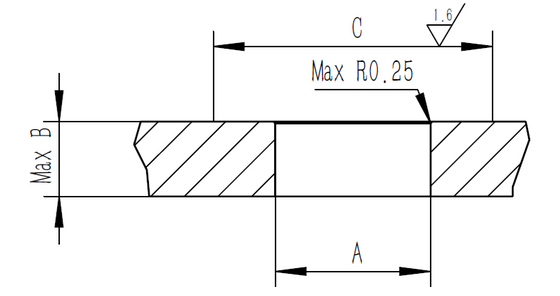
| Recommended Size | Water Temperature Sensor |
|---|---|
| Recommended Bulkhead Through Hole Size (A) | Ø10.1 ± 0.1 |
| Hatch Cover Thickness (B) | 13 mm |
| Surface Range (C) | 20 mm |
Can I use it in the air?
Yes, the sensor can be used in air without issue.
Can the cable be extended?
If the cable is too long or multiple devices are present on the I²C bus, timing issues may occur. To mitigate this, reduce the pull-up resistor value or use a strong pull-up. An I²C repeater or relay chip can also be added to extend the cable distance reliably.
Does the sensor being inside a threaded housing affect the temperature response time?
The aluminum housing has been designed to be as thin as possible, and is filled with high thermal conductivity epoxy to improve response time. This setup minimizes thermal lag.
Does the temperature sensor require calibration? What data is provided by the I²C interface?
The sensor includes factory calibration coefficients. It outputs 24-bit ADC data via I²C, and the temperature is obtained by applying these coefficients. Full details and implementation instructions are available in the downloadable sensor manual.