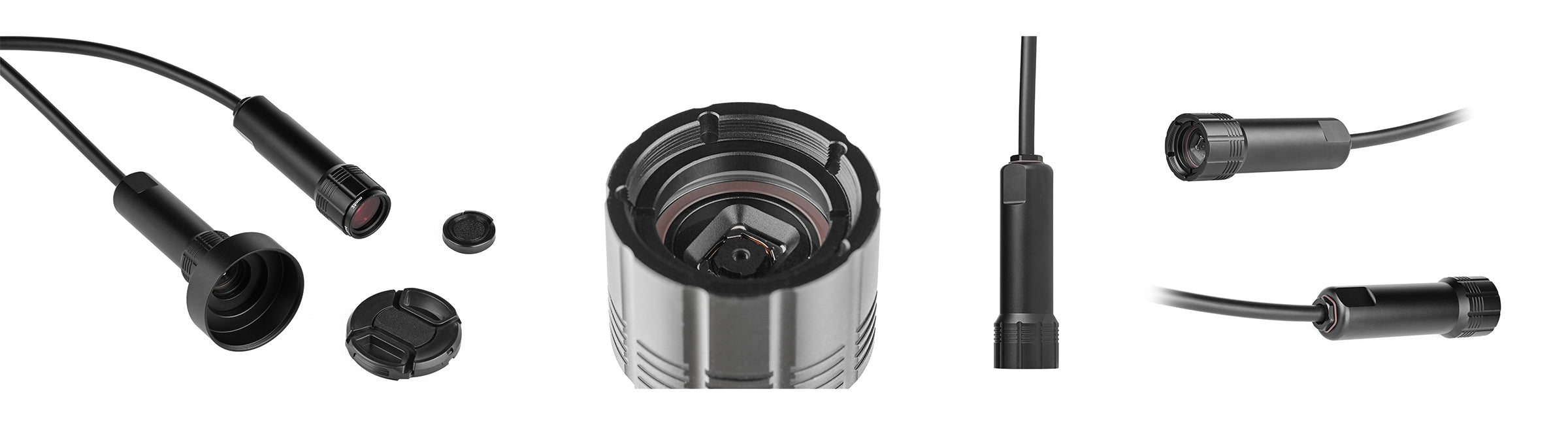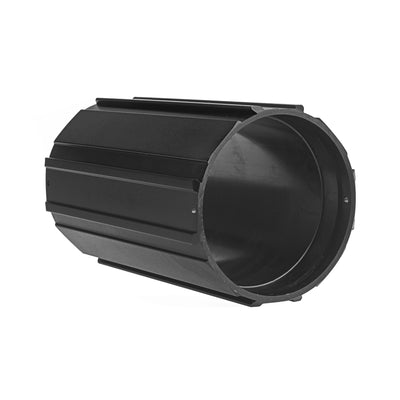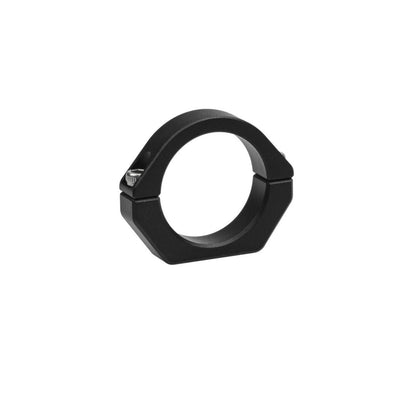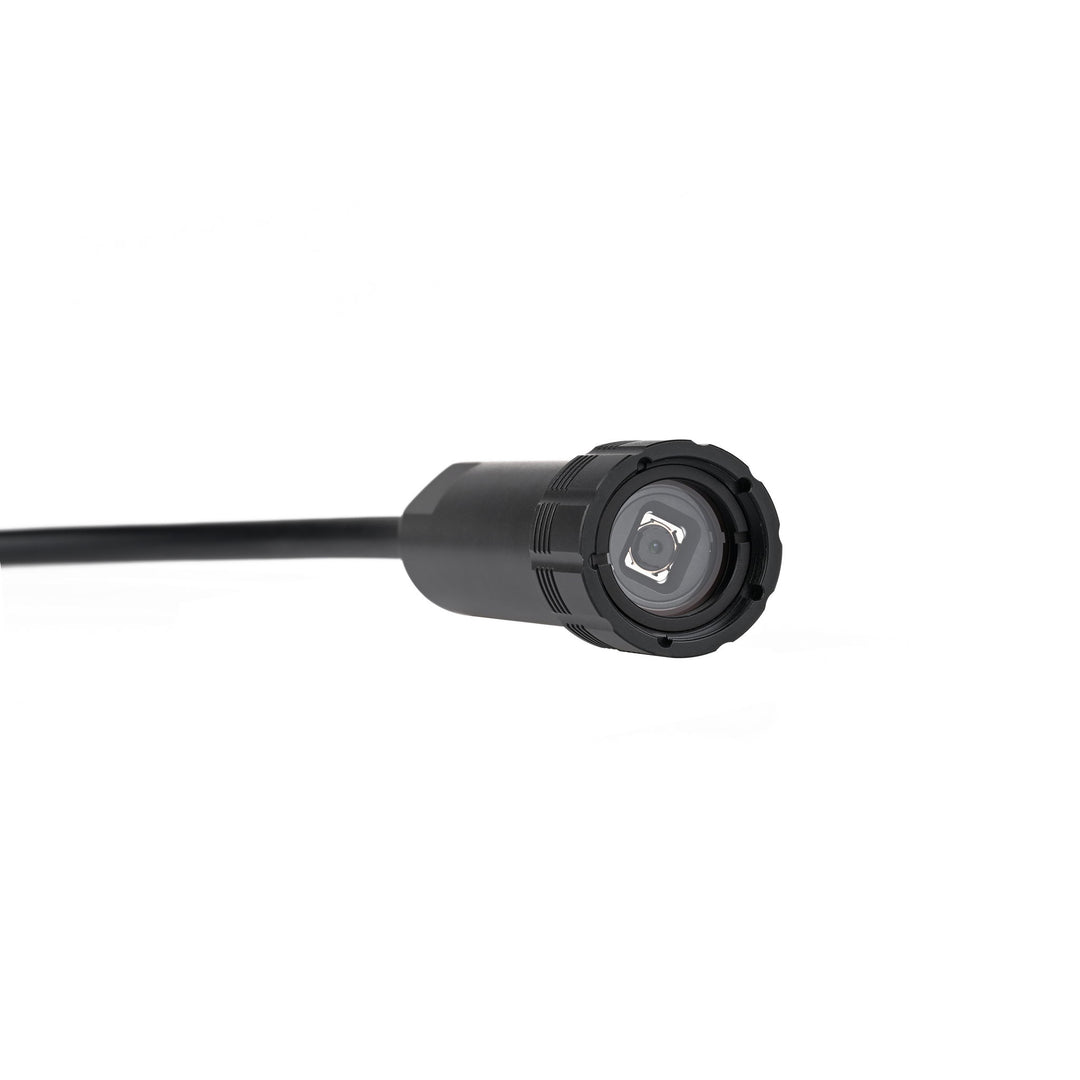
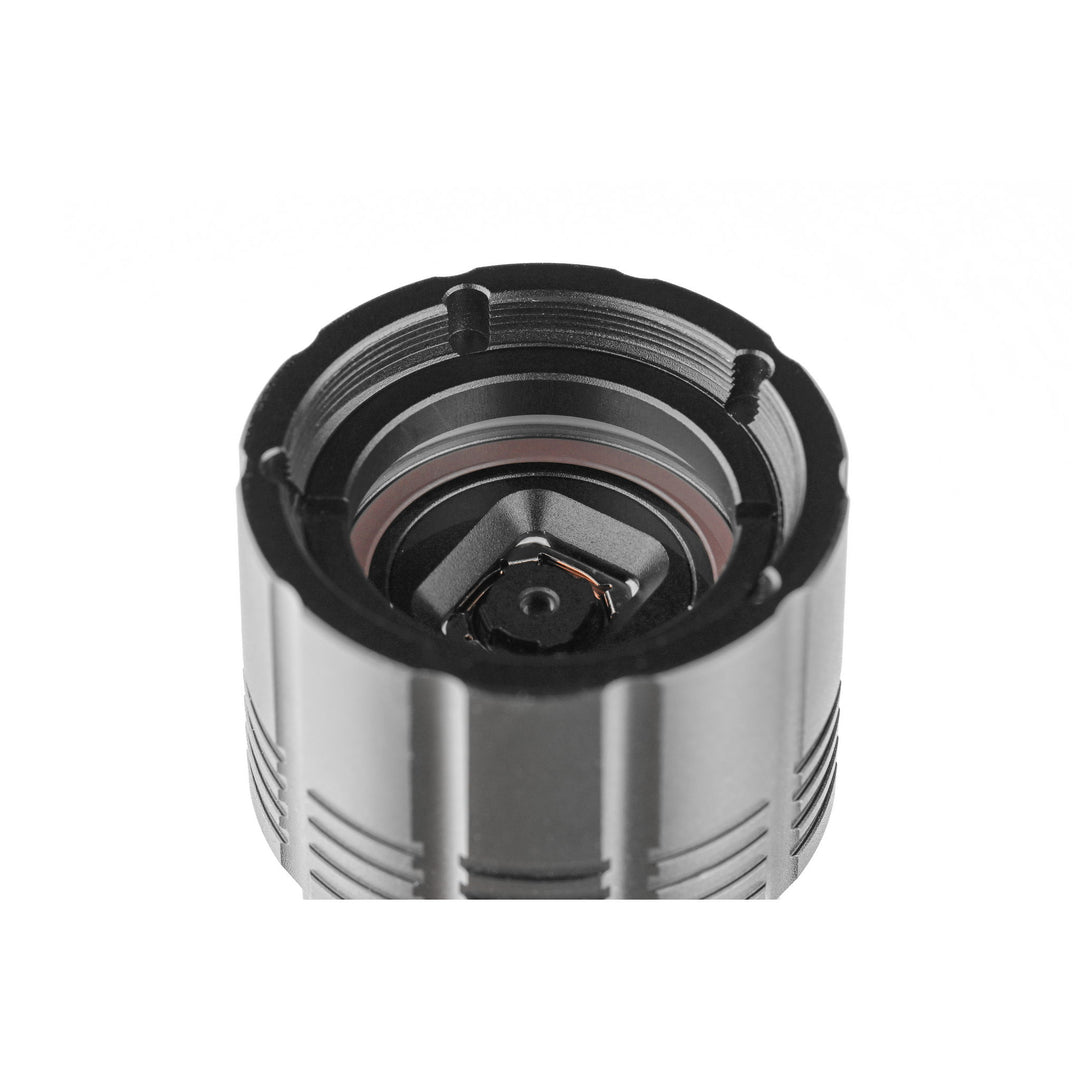
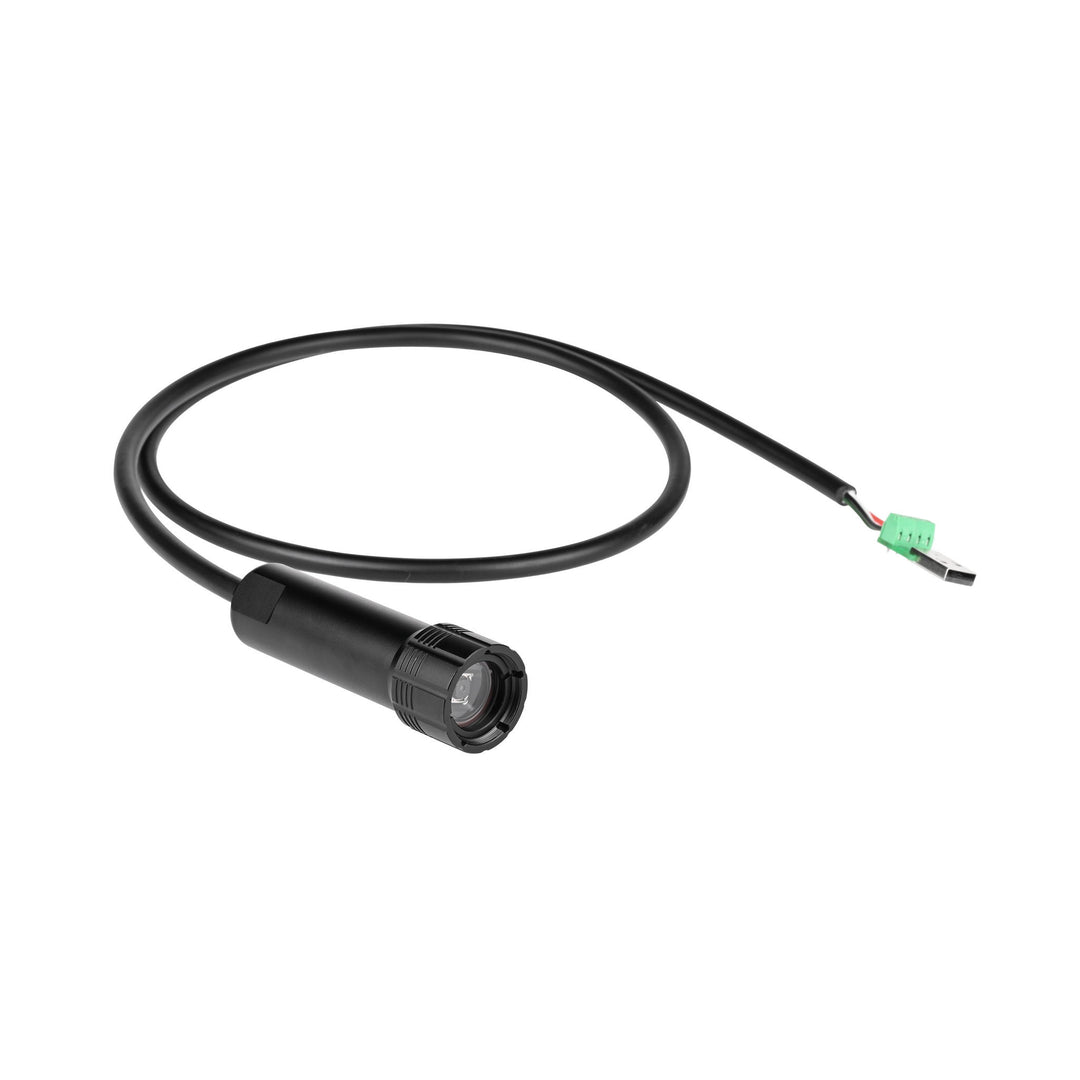
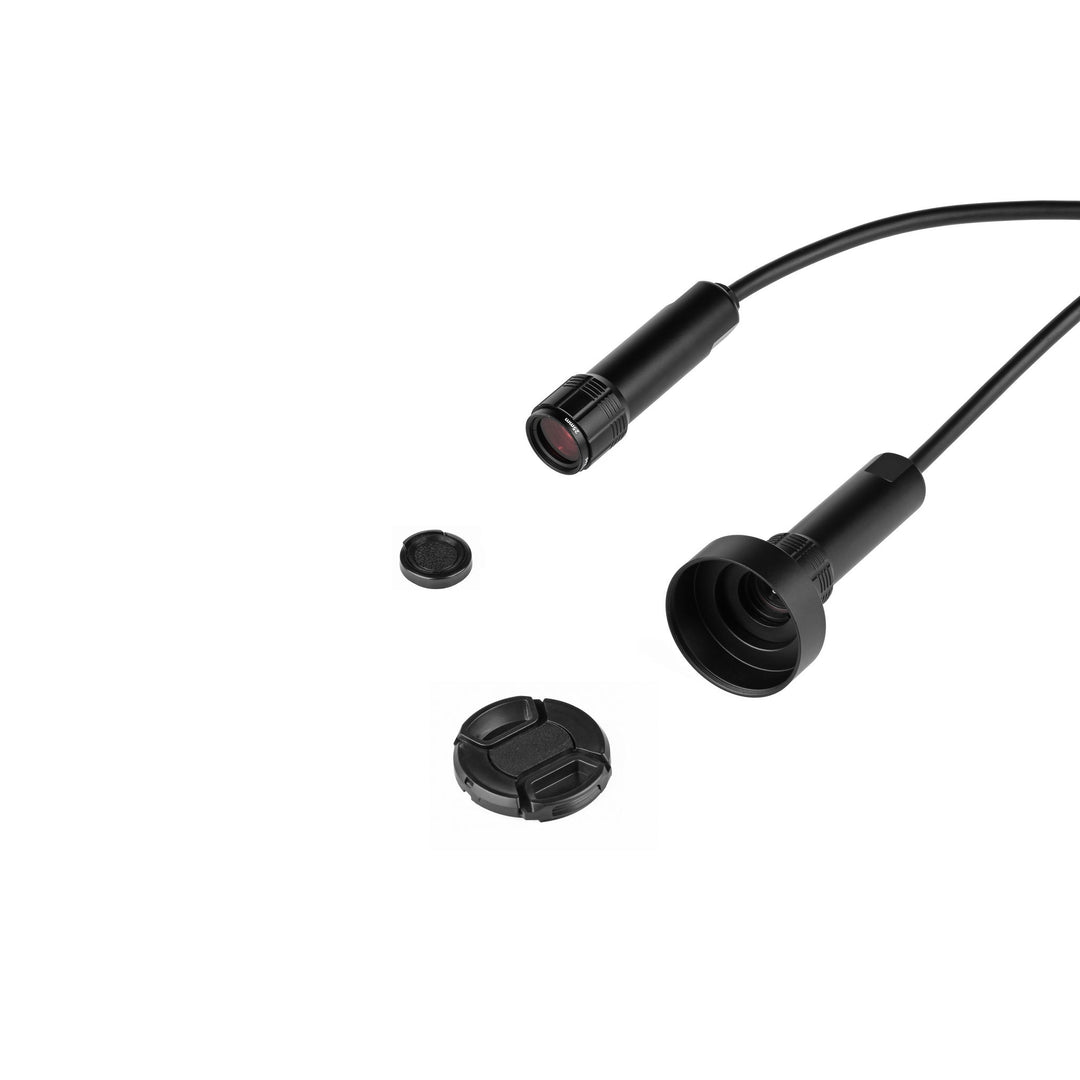
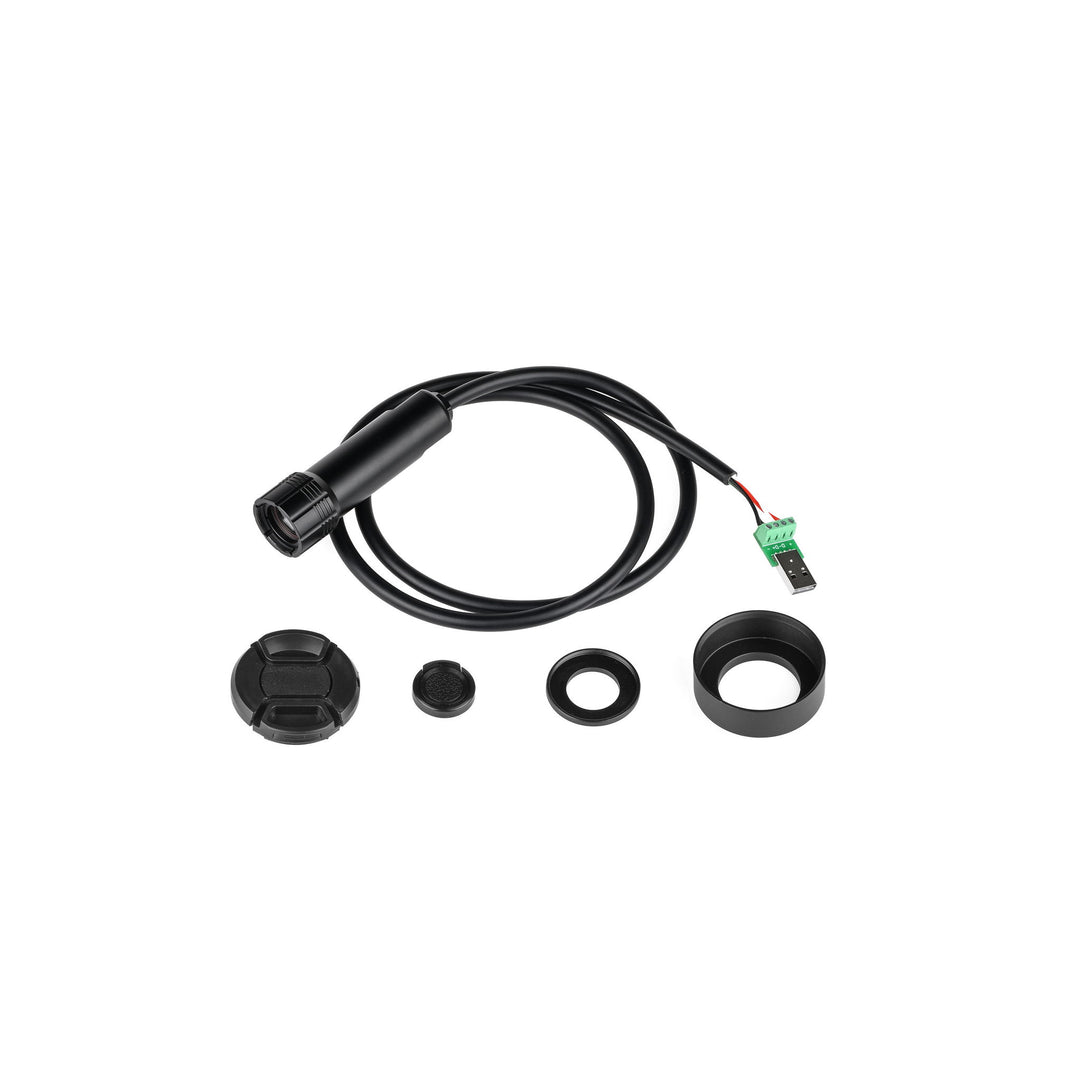
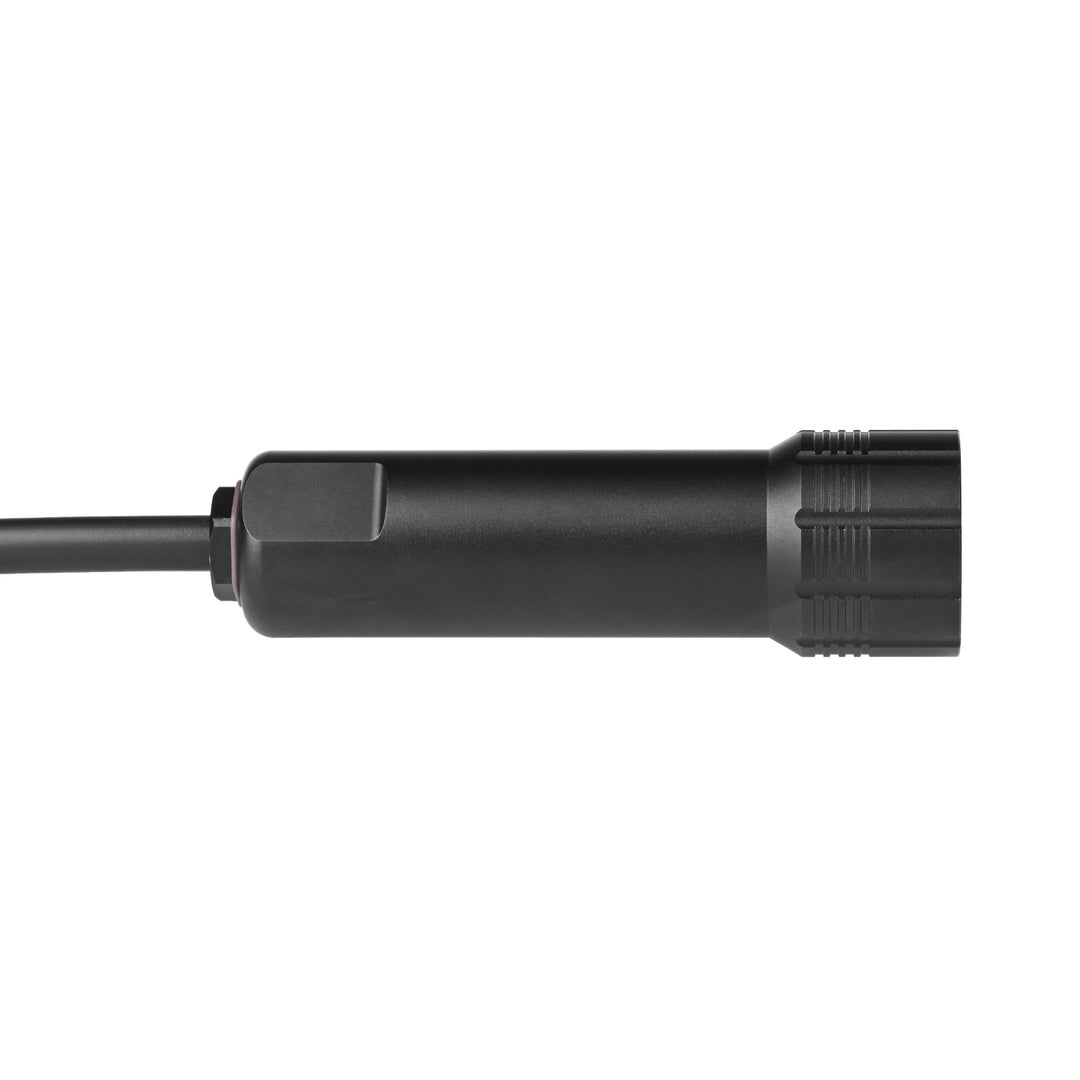
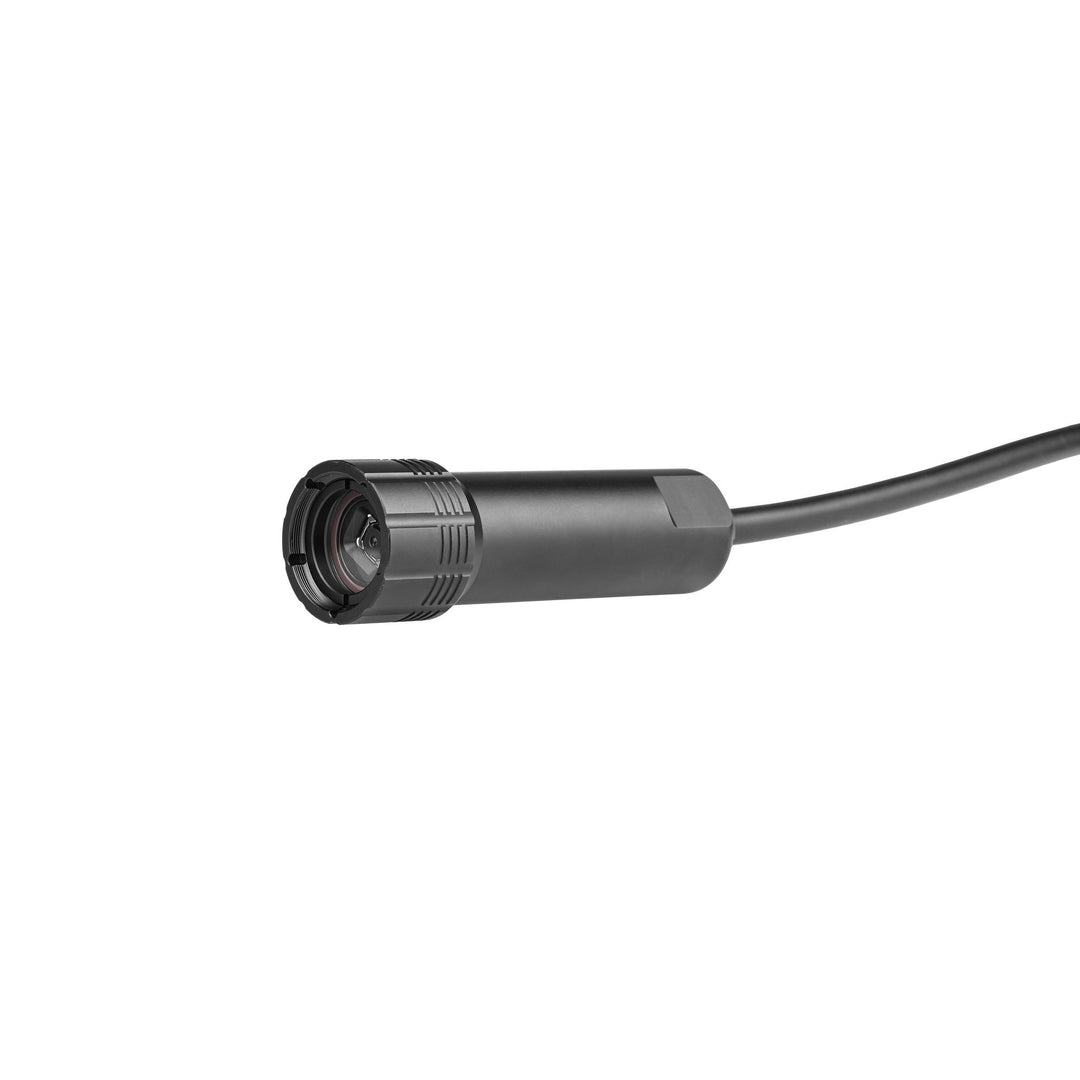


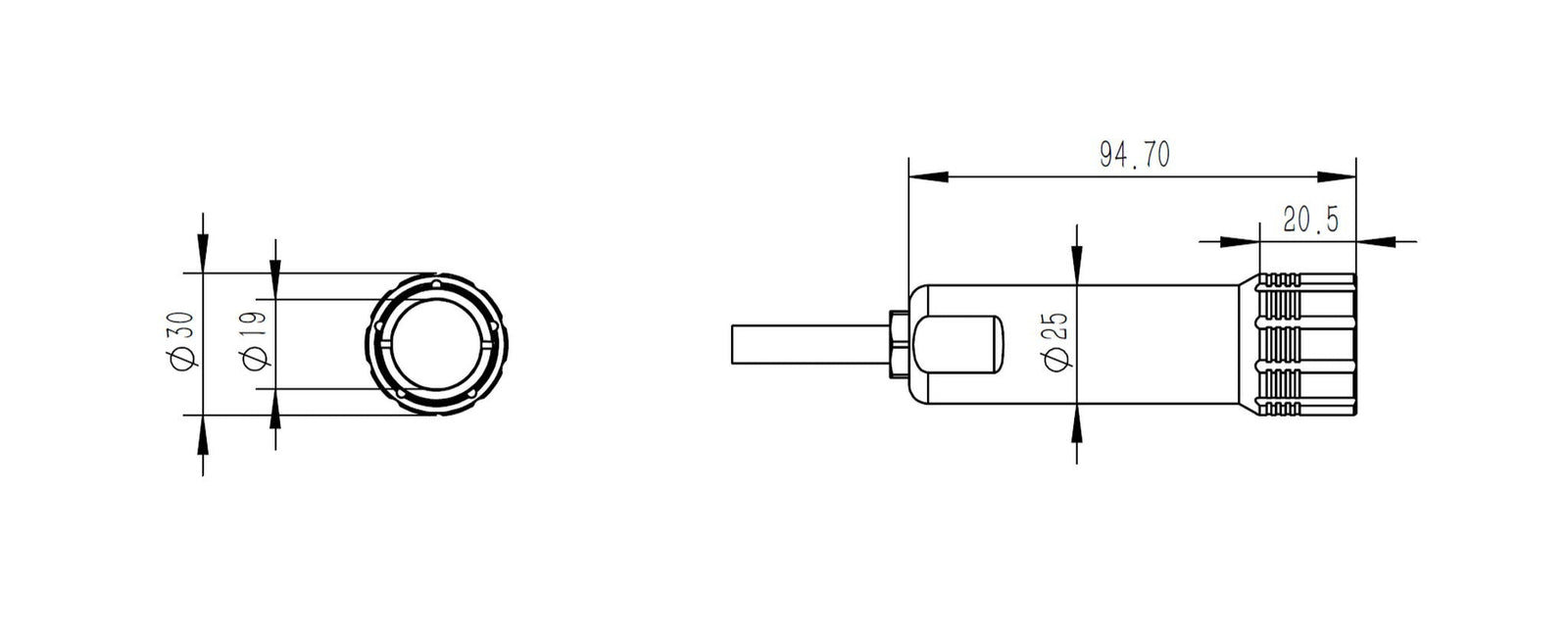
The Blu-Vision 8MP USB Video Camera is fully compatible with the 25 mm cylindrical mounting seat designed for Blu-Sub and other underwater devices. Its 25 mm outer diameter fits securely into the seat’s split-clamp design with M3 mounting holes, ensuring stable installation.

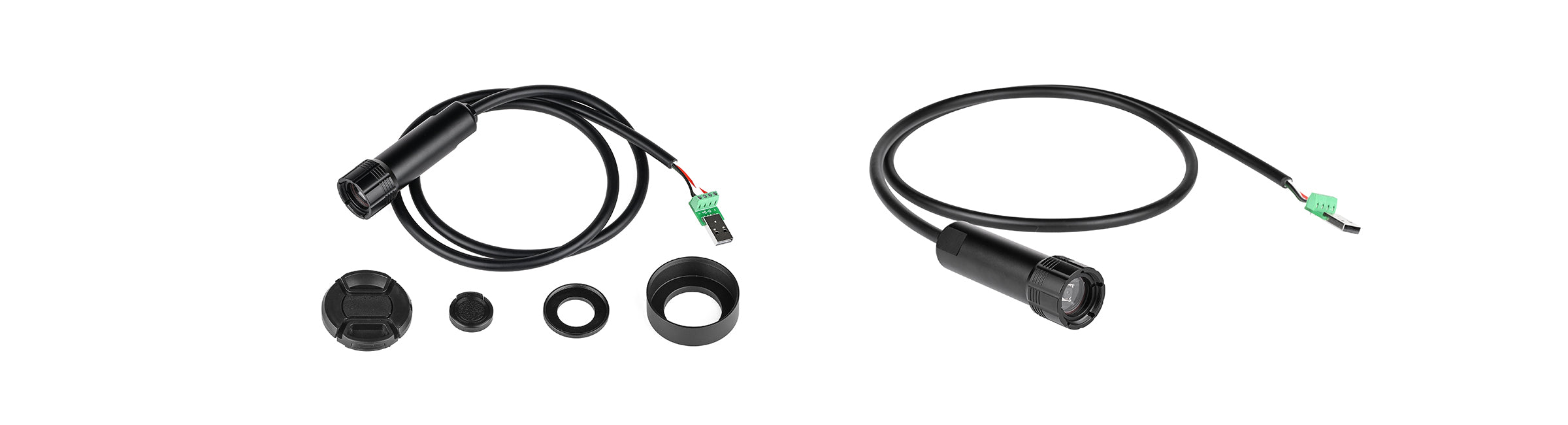
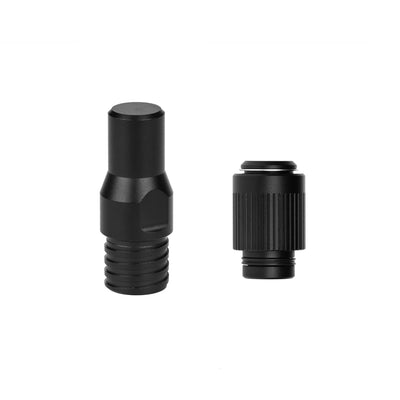
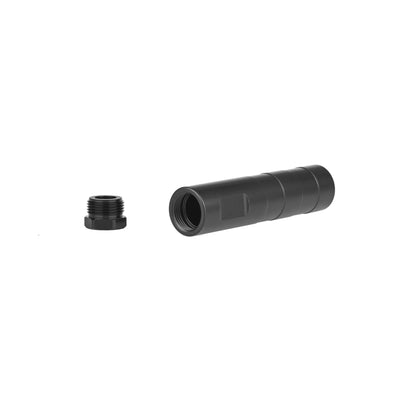
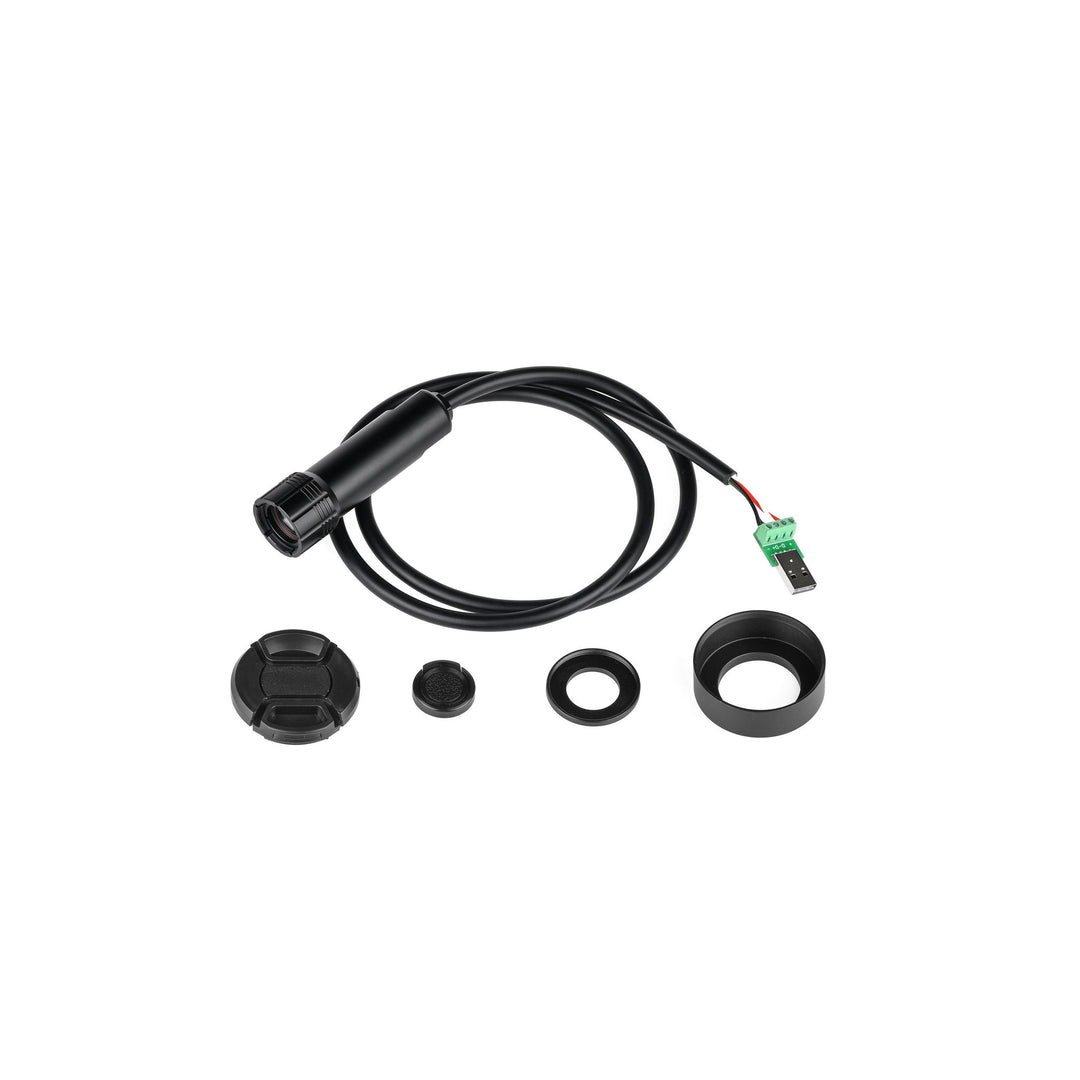
The Blu-Vision 8MP USB Video Camera includes a full set of protective optical accessories:
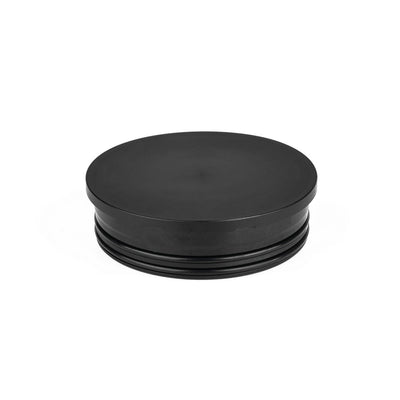
This modular setup allows either a compact configuration with the small lens cap or a glare-reducing configuration with the hood and its dedicated cap.
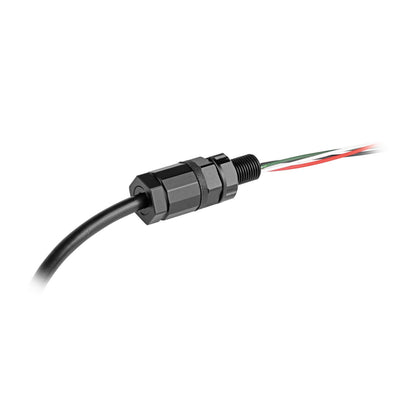
Note: A compatible cable penetrator is required to waterproof and secure the cable connection to your enclosure. This product uses the 4-conductor purple Deep-Sea Shielded Data & Power Cable (2 × 22AWG power conductors + 1 twisted pair of 24AWG data conductors) . Choose a penetrator below that matches your depth and housing requirements. The camera remains rated to 300 m / 984 ft, and the completed assembly is limited by its lowest-rated component.
Blu-Sub offers the following cable penetrator options for this shielded subsea cable, depending on the required depth rating, sealing method, and enclosure design:
Deep-Sea Cable Penetrators – Potted cable penetrators for subsea enclosure pass-throughs. This camera cable is compatible with the M10×1 size. Depth Rating: Up to 1,000 m / 3,281 ft
Deep-Sea M10 Gland Cable Penetrators – Threaded M10 gland penetrators with compression sealing and strain relief. Select the 7.8 × 5.6 aluminum or stainless steel version for this camera cable. Depth Rating: Up to 1,000 m / 3,281 ft
Low-Depth M10 Gland Cable Penetrators – Compact gland penetrators for shallow-water installations. Select the 7.8 × 5.6 nickel-plated brass version for this camera cable. Depth Rating: Up to 100 m / 328 ft

About the Cable:
This product uses the 4-conductor purple Deep-Sea Shielded Data & Power Cable, a hybrid shielded subsea cable with 2 × 22AWG power conductors and 1 twisted pair of 24AWG data conductors. For modular or extended installations, the following connection hardware may be used where conductor count, shield termination, USB signal performance, and waterproofing have been verified:
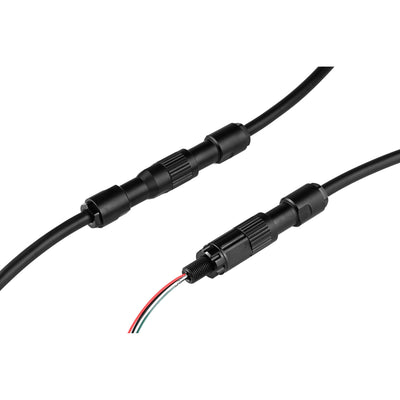
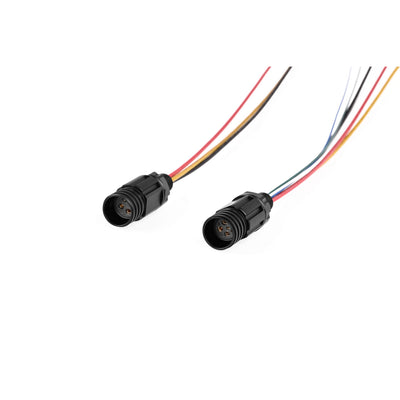
Deep-Sea Cable Connectors – Female Socket & Male Plug
Inline plug-and-socket connectors that allow the Deep-Sea Shielded Data & Power Cable to be terminated with sealed ends for removable, watertight device connections. Select a connector with enough contacts for all required power and data conductors and any shield/drain termination; a 3-pin connector cannot accommodate all four camera conductors.
Deep-Sea Cable Connectors – M10 Bulkhead
Panel-mounted connector designed to interface with enclosure walls or end-caps. Requires a matching plug to form a sealed connection.
Deep-Sea Cable Connectors – Dummy Sealing Cap
Protects unused cable connectors during storage, transport, or inactive operation by sealing off exposed ends against water ingress.
Subsea M10 Coupling Tube
Enables secure inline splicing of two cable segments using penetrators and potting compound. Also useful for relocating penetrator-mounted devices like subsea lights or switches to more accessible positions.

| Product | Blu-Vision 8 Megapixel USB Video Camera |
|---|---|
| Sensor | 1/3.2" Sony IMX179 |
| Resolution | 3264 × 2488 (8MP) |
| Pixel Size | 1.4 × 1.4 µm |
| Focus Mode | Autofocus (AF) |
| Shutter Type | Rolling Shutter |
| Lens Angle (Air) | 90° |
| Video Formats | MJPEG, YUY2 |
| Frame Rates |
3264 × 2488 (8MP) – 15 fps 2592 × 1944 (5MP) – 15 fps 2048 × 1536 (2K) – 15 fps 1920 × 1080 (1080p) – 30 fps 1600 × 1200 (UXGA) – 30 fps 1280 × 720 (720p) – 30 fps 800 × 600 (SVGA) – 30 fps 640 × 480 (VGA) – 30 fps |
| White Balance | Automatic |
| Microphone | Internal (minimal effect underwater) |
| Operating Systems | Windows, macOS, Android, Linux (support may vary by resolution) |
| Cable | 0.8 m, 4-conductor purple Deep-Sea Shielded Data & Power Cable — 2 × 22AWG power conductors + 1 twisted pair of 24AWG data conductors (BS-SSC-SHDCB-PRP-04A1) |
| Wiring Definitions | Black: GND; White: Data-; Blue: Data+; Red: VIN +5VDC. The shield and drain wire are left floating (unconnected) at the camera end. Normally, the shield is grounded at the USB host end, with the drain wire soldered to the USB connector shell. |
| Output Interface | USB 2.0 |
| Driver | Driver-free (UVC compliant) |
| Working Voltage | USB DC +5V |
| Working Current | 260 mA |
| Operating Temperature | -20℃ to 60℃ |
| Housing Material | Aluminum Alloy, Black Anodized |
| Lens Cover | Industrial Tempered Glass |
| Front Filter Compatibility | 25 mm standard filter (e.g., red filter for underwater color correction) |
| Waterproofing | Supplied with a bare-wire cable tail. A compatible cable penetrator or gland cable penetrator is required for sealed installation and is sold separately. |
Testing Method
Temporary USB Plug Testing
Insert the temporary USB plug at the end of the product cable into your computer’s USB port. Open your computer’s default camera application and select the device to preview the video feed.
Important Note:
The USB connection is intended solely for preliminary testing. The tail end with exposed bare wires is not waterproof. For actual installations, use appropriate cable penetrators or waterproof connectors to ensure a reliable, sealed connection.
Will loosening the gland nut on the cable penetrators at the tail affect waterproofing?
Yes. Loosening the gland nut will compromise waterproofing. Specialized tools are required for installation.
What is the size of the filter installed on the front? What color is generally used?
A 25 mm standard filter is used. Underwater cameras typically use a red filter for color restoration.
For the bare-wire version at the tail, how should waterproofing be handled after wiring?
Use cable penetrators for termination or press the tail into a waterproof connector plug.
What cable is supplied, and can it be extended?
The camera is supplied with 0.8 m of the 4-conductor purple Deep-Sea Shielded Data & Power Cable, with 2 × 22AWG power conductors and 1 twisted pair of 24AWG data conductors. Extensions should use compatible shielded cable and suitable terminations that preserve the twisted data pair and shielding continuity. Keep the total cable length as short as practical and verify USB operation with the complete cable assembly.
Can I see the image directly in QGC when connecting to a Raspberry Pi with ArduSub?
Not directly. Use software such as OBS to view the video stream.
How can I connect multiple cameras?
A USB hub can be used with OBS to connect and view multiple cameras simultaneously.
Can the microphone pick up underwater sounds?
No. The internal microphone is filled with thermally conductive gel, so its effect is minimal and can be ignored.
Is the size the same as the Underwater Light?
Yes, the dimensions are the same.